Batch product photo editor
Upload product images to start a batch.
Process a consistent batch of product photos
Free, with no sign-up required. Add several SKU images, remove their backgrounds on your device, and apply consistent size, position, and background settings to selected files. Everything runs in your browser, and your product images never leave your device. Download processed results individually.
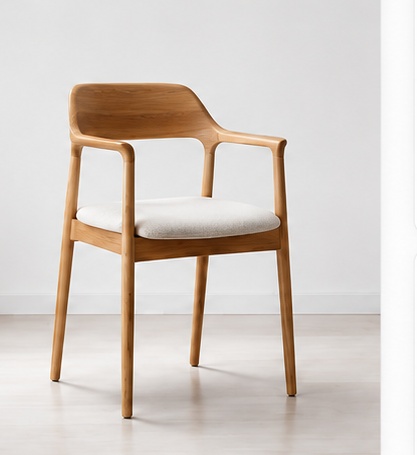
Result preview
Background removal and editing run locally in your browser; your images are not sent to a cloud AI generation service, and no AI credits are used.
01
Follow the workflow
- 01
Add images for local cutout
Add JPEG, PNG, and WebP product files; the browser automatically removes the background locally from each file in sequence.
- 02
Select the images to adjust
Use the selection controls to define which visible image cards receive the shared settings.
- 03
Adjust the framing
Compare canvas ratio, fit, vertical position, and background color in the browser.
- 04
Continue with one SKU
Open a ready image in the single-photo editor to inspect its more focused controls.
02
What you get
- Select all, clear a selection, preview an image, or remove a card.
- Apply the same size, position, and background settings to selected images.
- Create local cutouts from JPEG, PNG, and WebP images before background composition.
03
Limits to know before you start
- Background removal and editing run locally in your browser; your images are not sent to a cloud AI generation service, and no AI credits are used.
- The local background-removal model is downloaded once on first use (about 44 MB). After it is cached, background removal can run offline; difficult edges still need review.
- To keep your browser responsive, oversized image files are not supported.
04
Common questions
Does batch processing upload my files to an AI service?
No. Automatic background removal, resize, placement, and background composition run locally in your browser without a cloud AI generation service.
Can I inspect a single image in more detail?
Yes. A ready image can be opened in the product photo editor from its image card.