Product image workflows
Create product images, ads, and videos from your product photo.
Select one or more product photos for background removal, resizing, and image editing. For AI results, open a separate lifestyle scene, ad creative, or product video workflow.
WORKFLOW PREVIEW
Product Photo
Photo Editor
Background
Lifestyle

Ad Creative
ASPECT RATIOS

Amazon
2000×2000

Shopify
2048×2048

Etsy
1500×1500

TikTok Shop
1080×1080
Product image production is still too manual.
Ecommerce teams still create, resize, review, and download product visuals one task at a time. MakeSKU separates common editing and generation tasks into focused workspaces.
Too many image types
Main Image
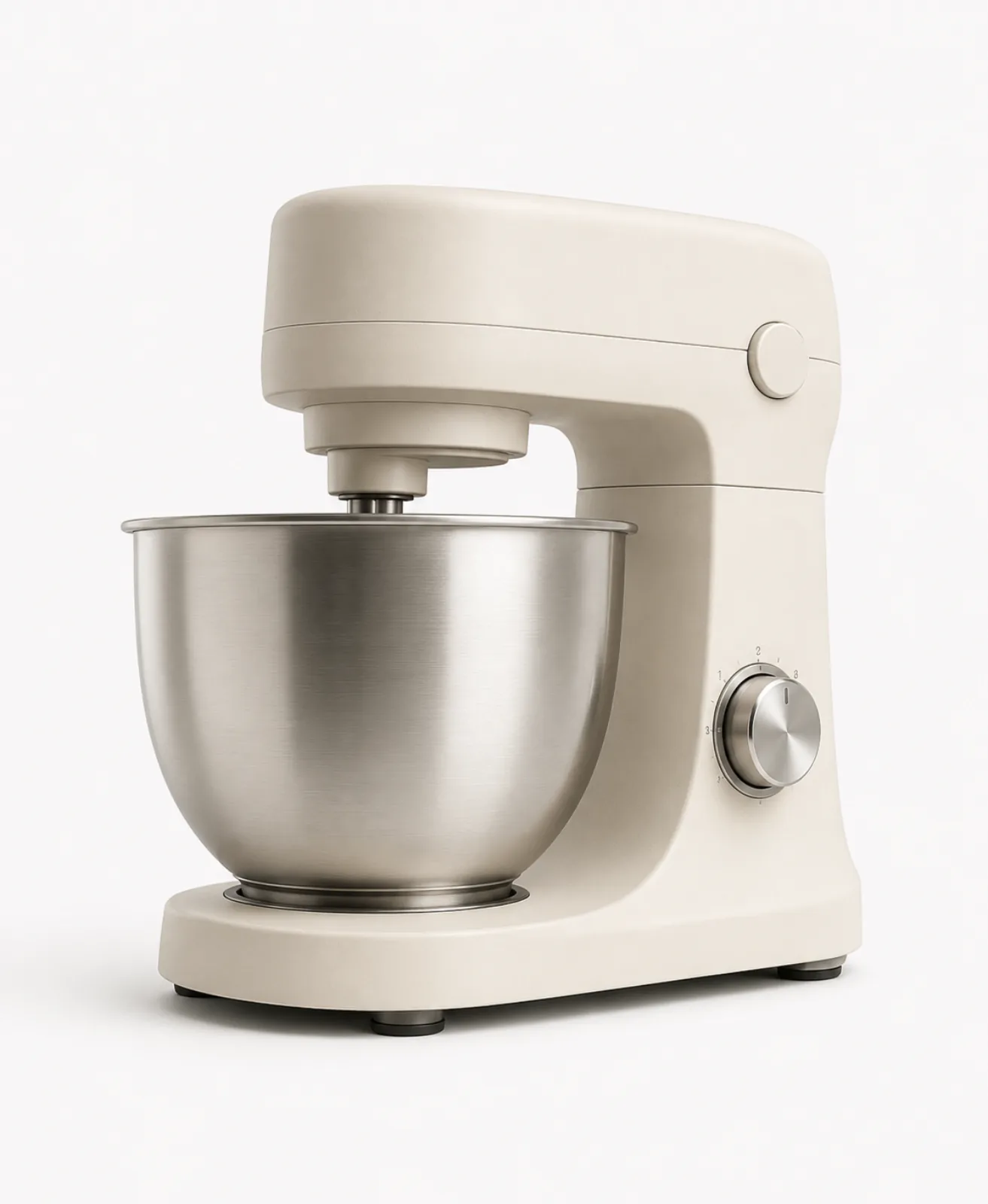
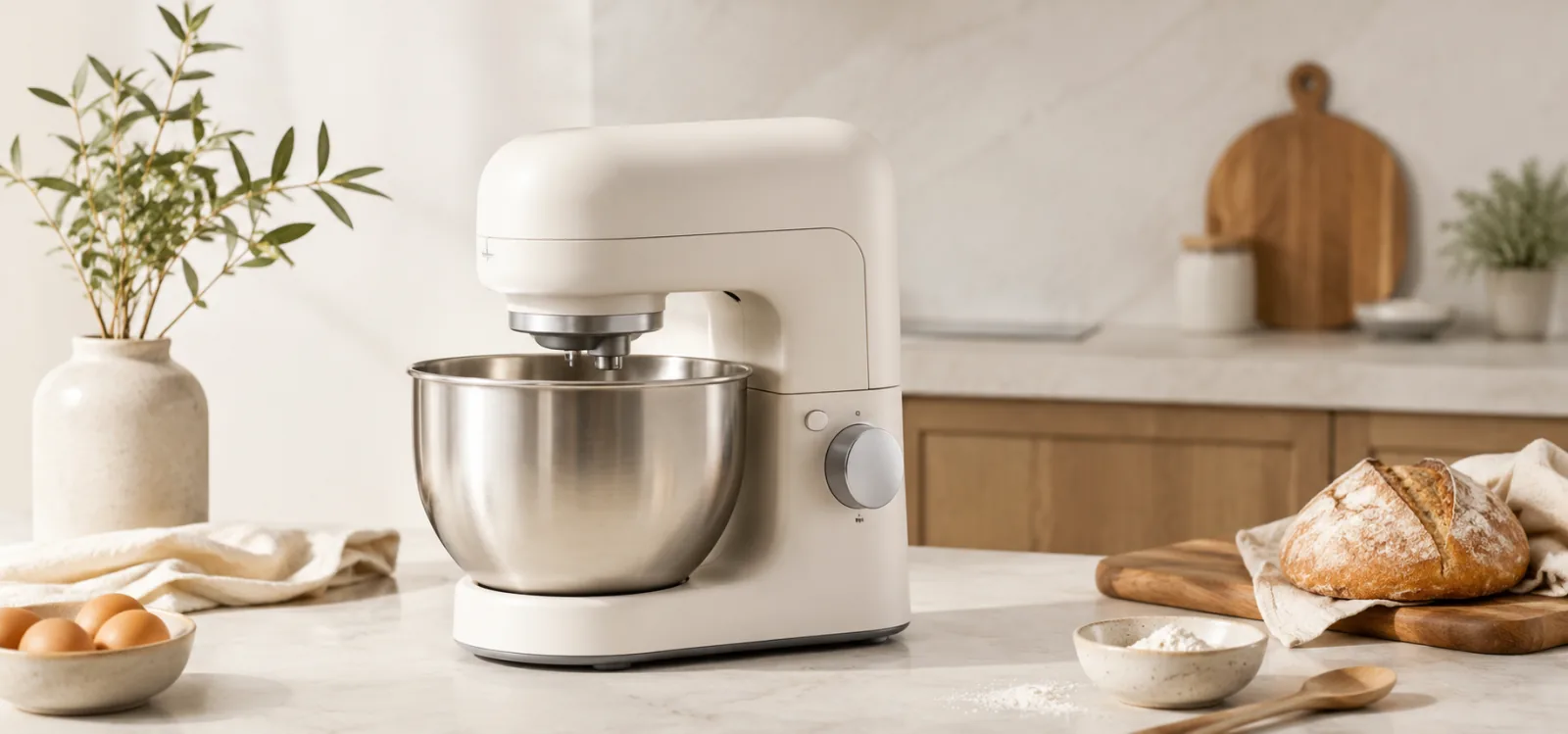
Lifestyle Scene

Detail Shot
Too many platform rules
Amazon
2000 × 2000 px
Shopify
2048 × 2048 px
Etsy
1500 × 1500 px
TikTok Shop
1080 × 1080 px
Select. Process. Review. Download.
A browser-based workflow for preparing several product photos.
01
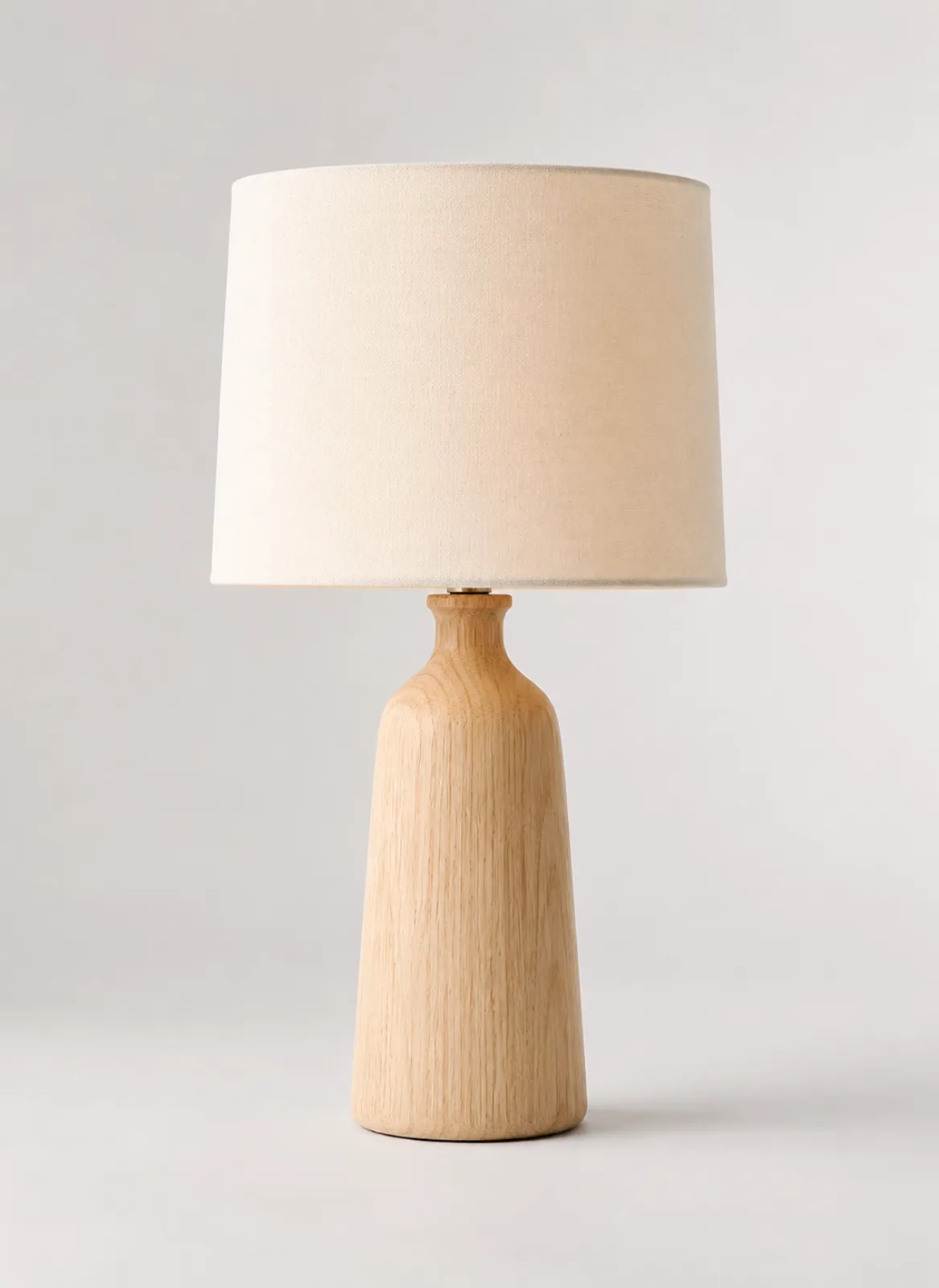
Select product photos
Choose one or more JPEG, PNG, or WebP files.
02
Process selected images
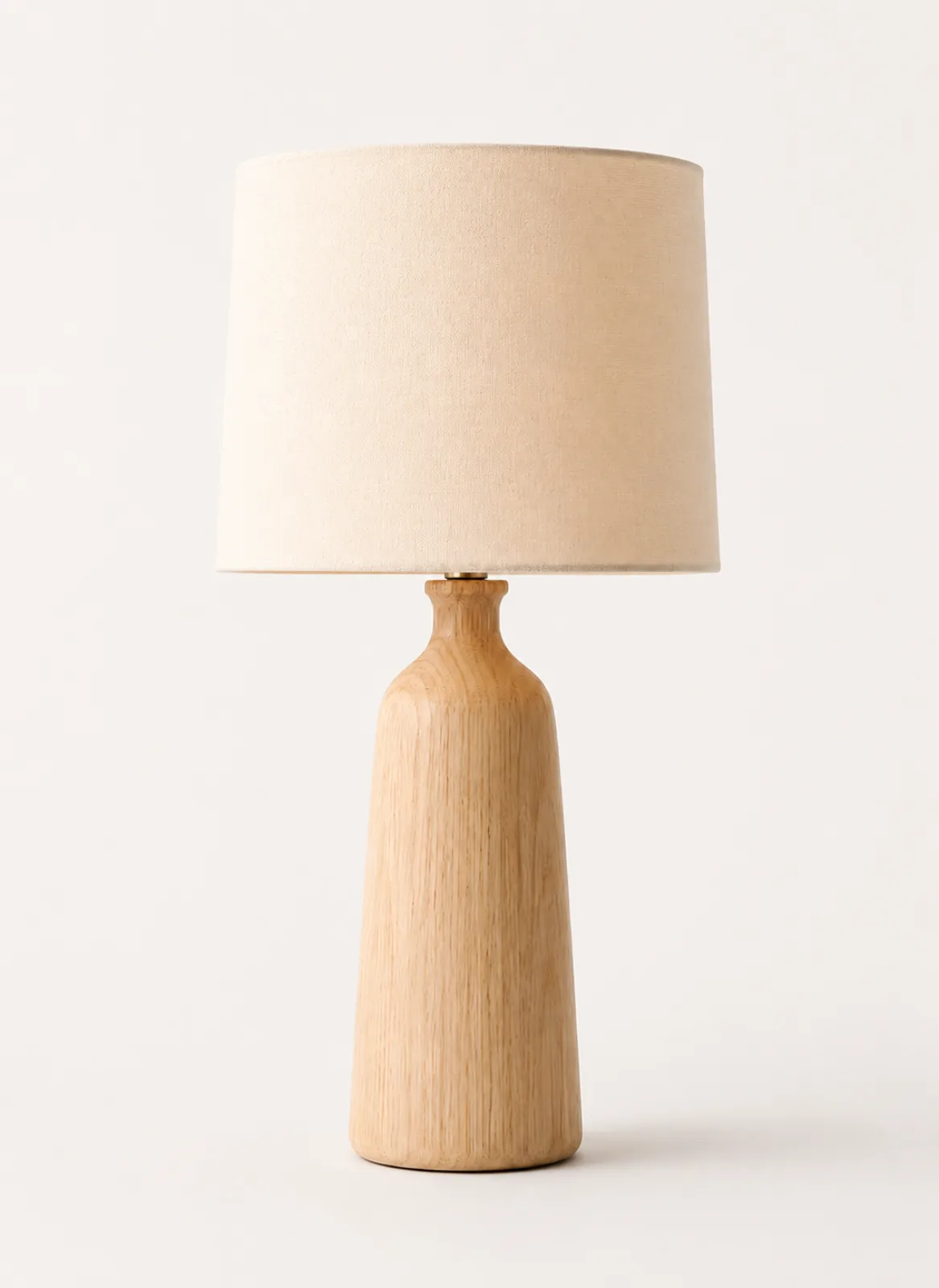
Remove backgrounds locally and apply canvas, position, or background settings to selected images.
03
Review each result
Preview a processed image or open it in the image editor.
Source
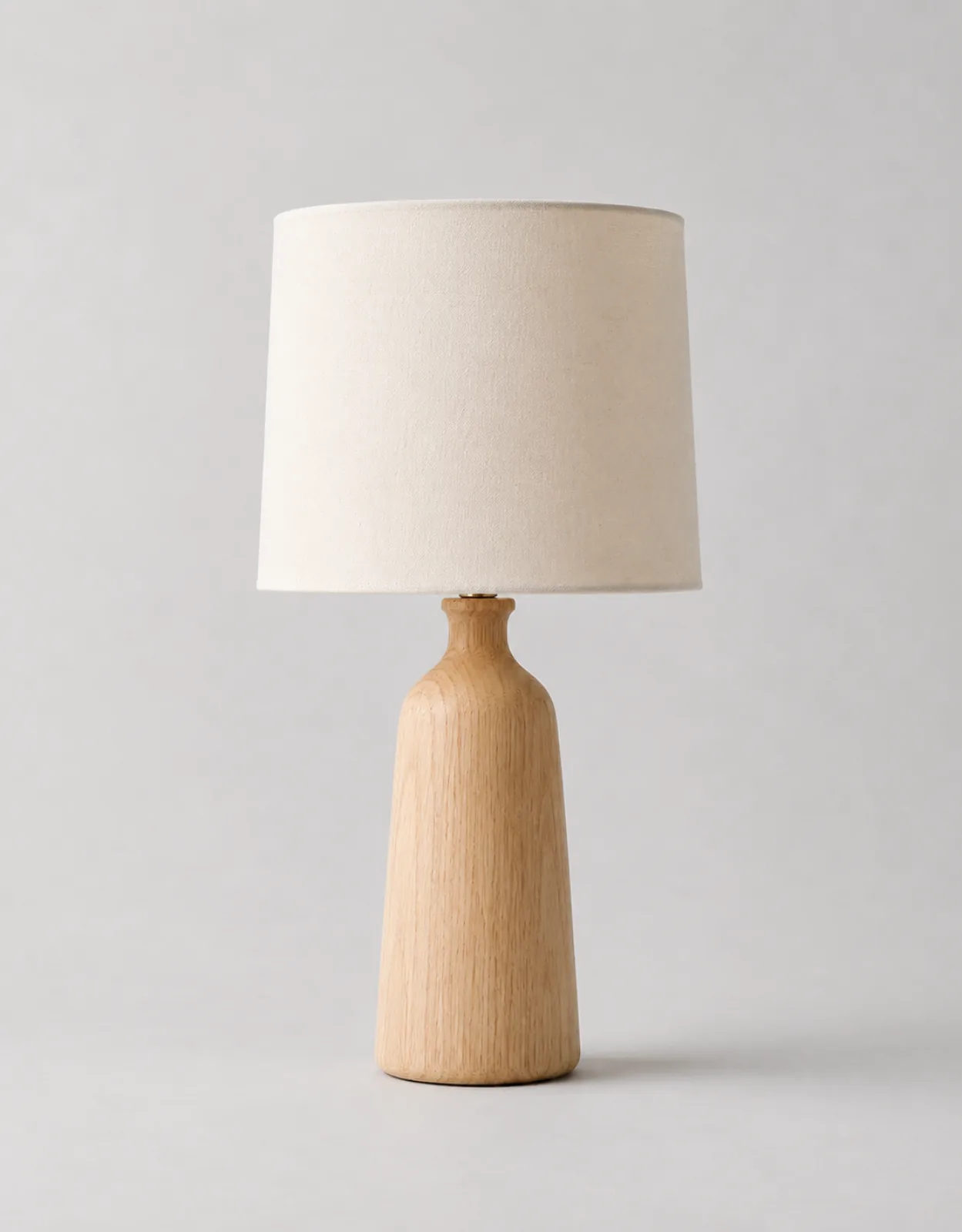
Generated
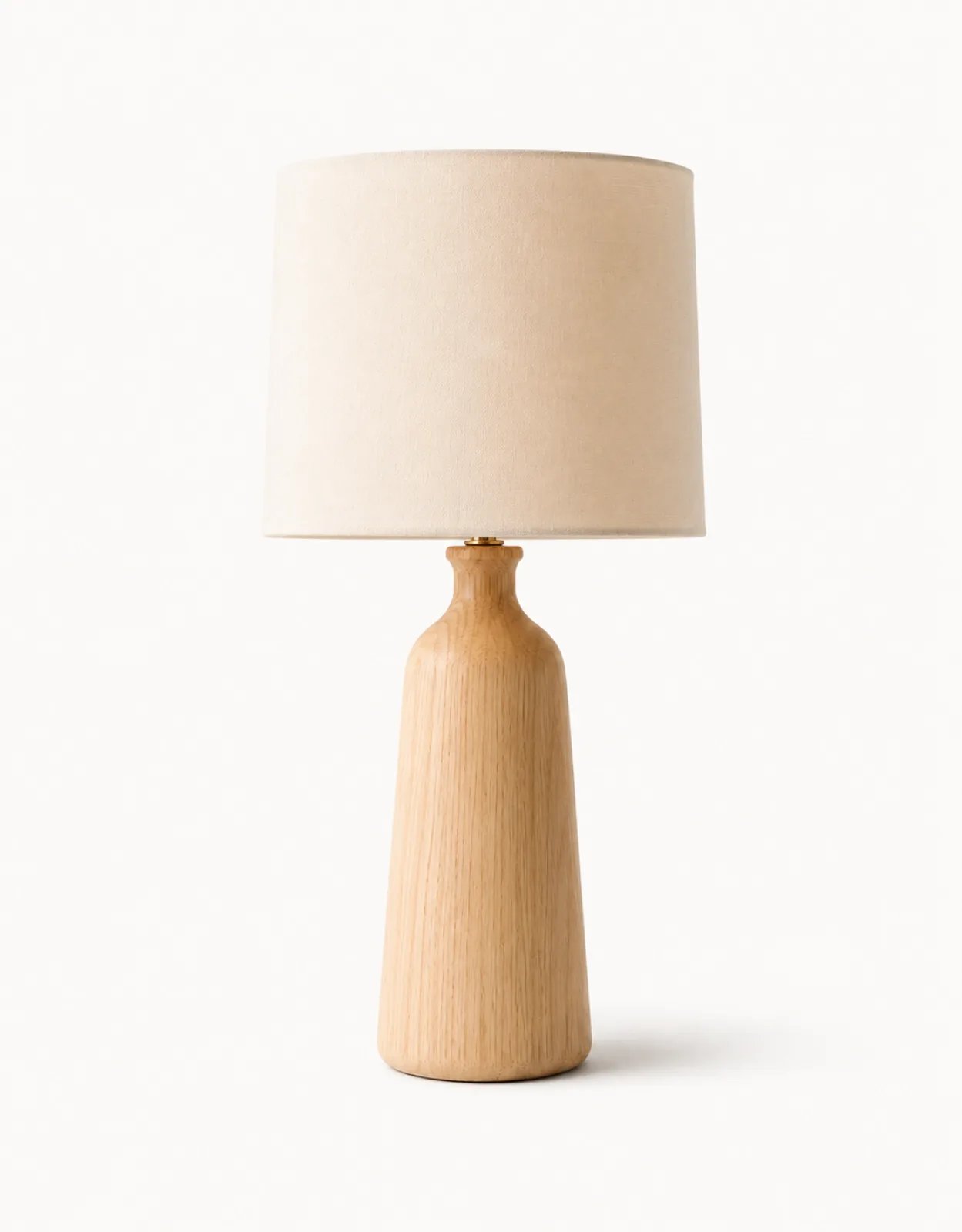
04
Download ready images
Download all available results as individual files.
One product photo. Several focused creative workflows.
Use the product photo editor, lifestyle scene generator, ad creative generator, and product video generator separately; review and download each completed result.
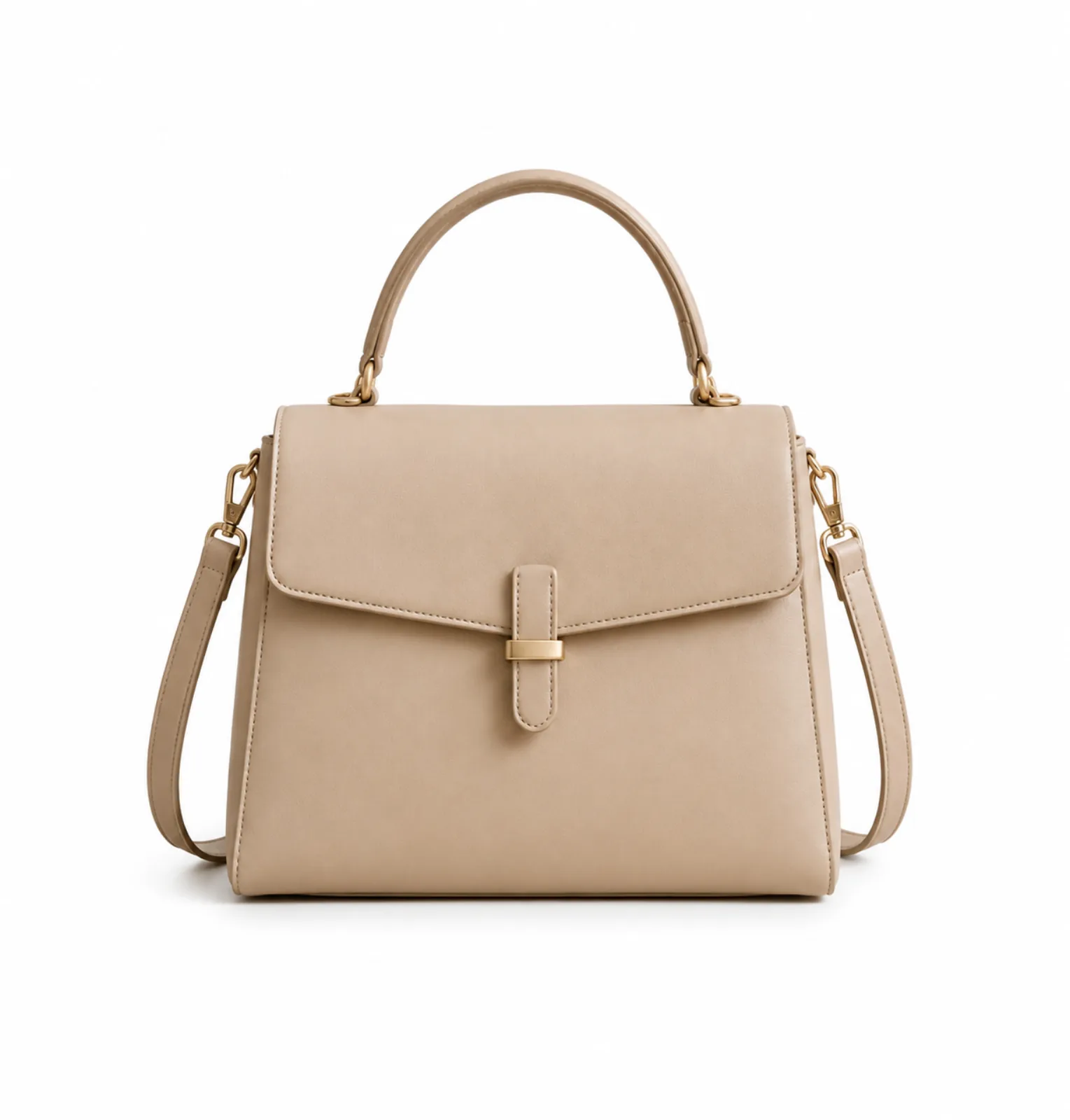
Source Product
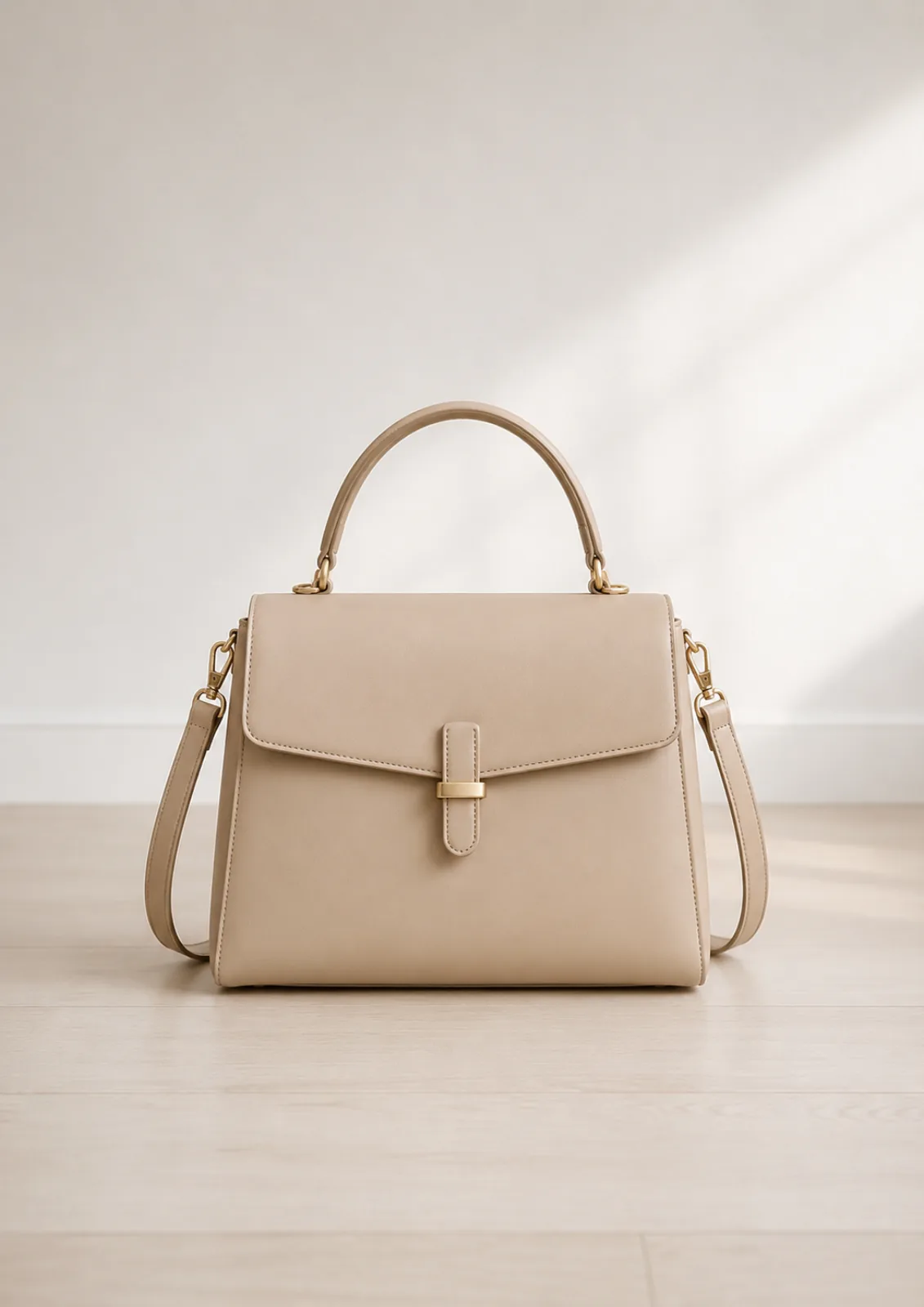
Main Image
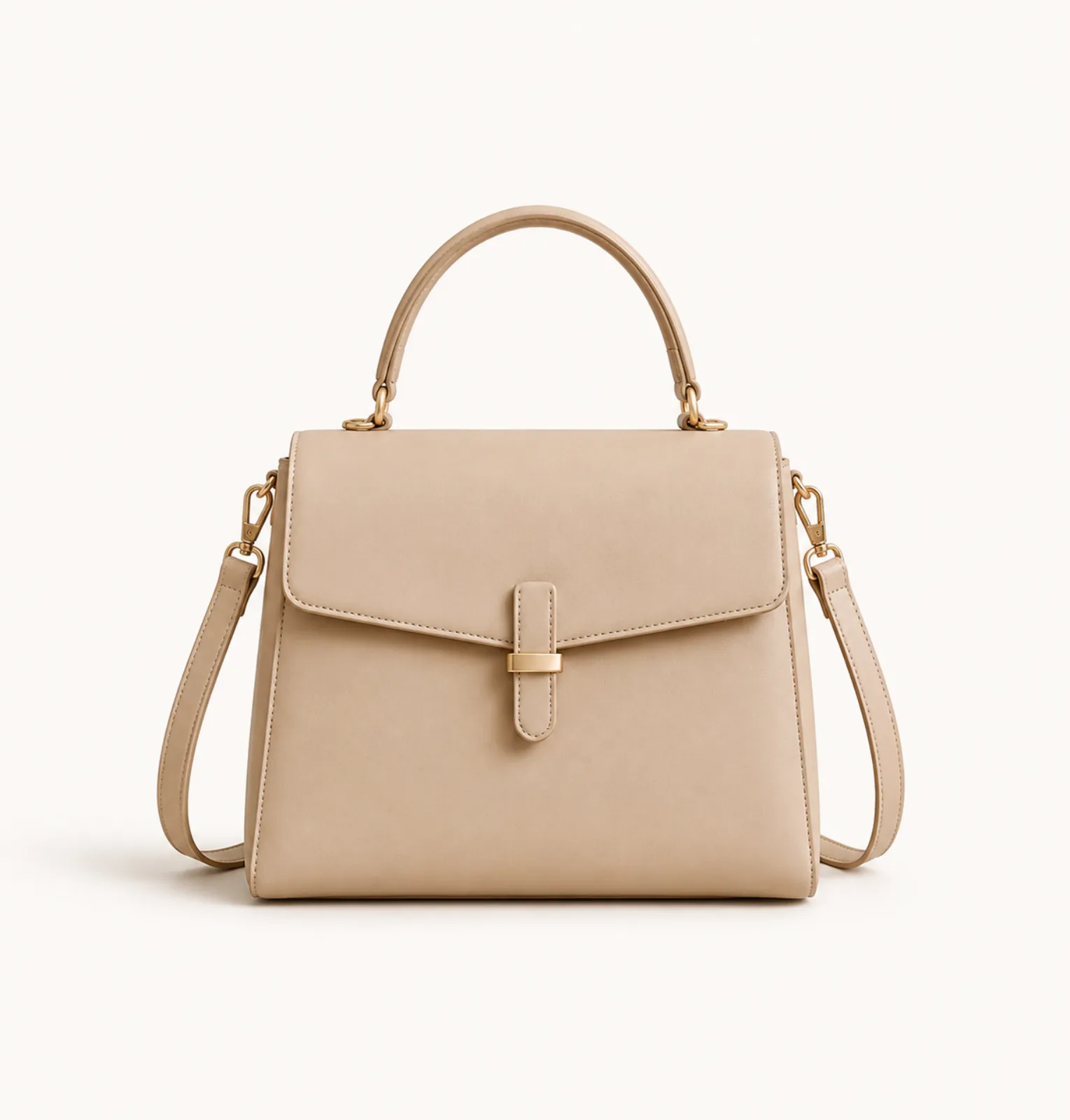
White Background
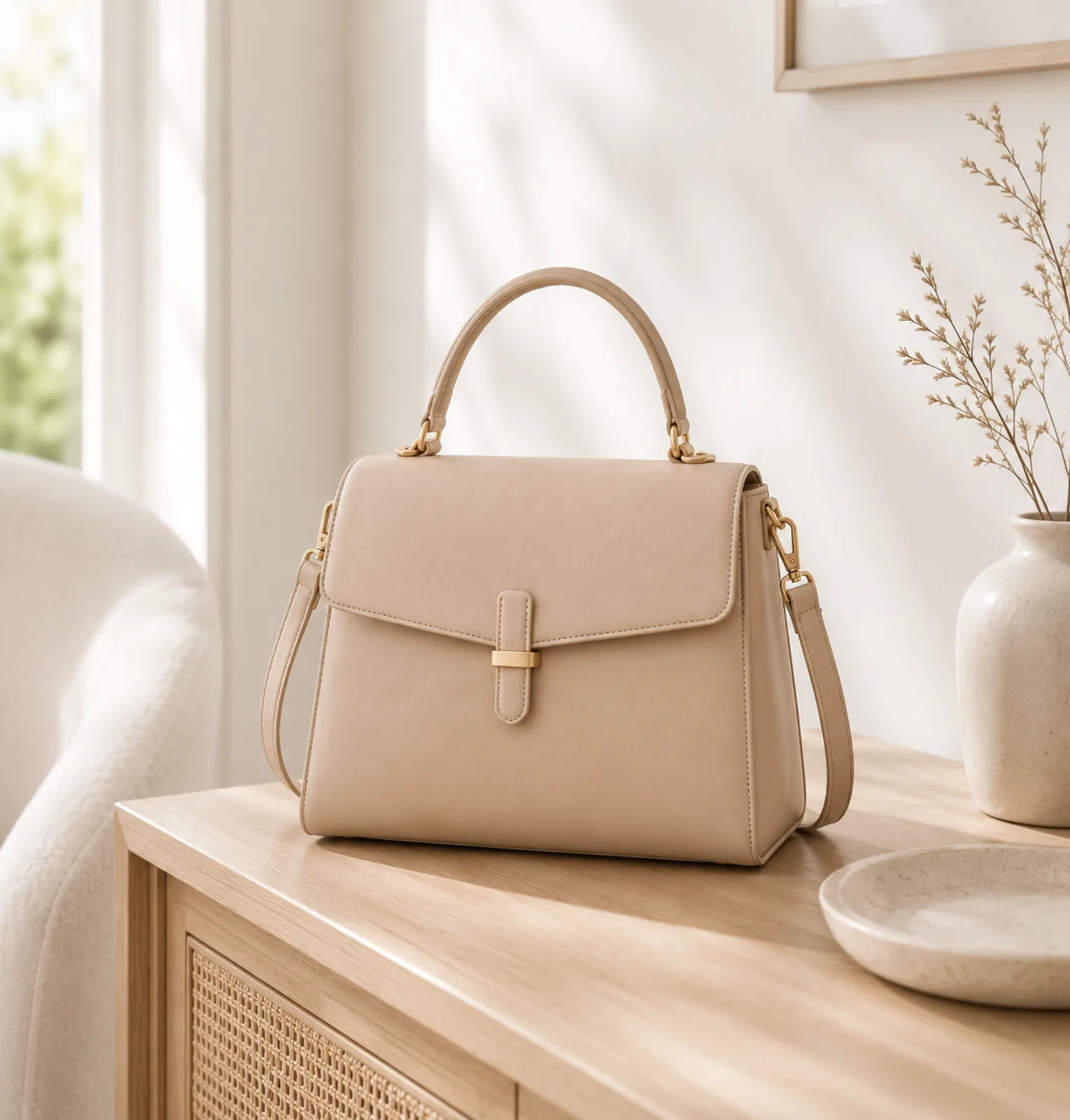
Lifestyle Scene
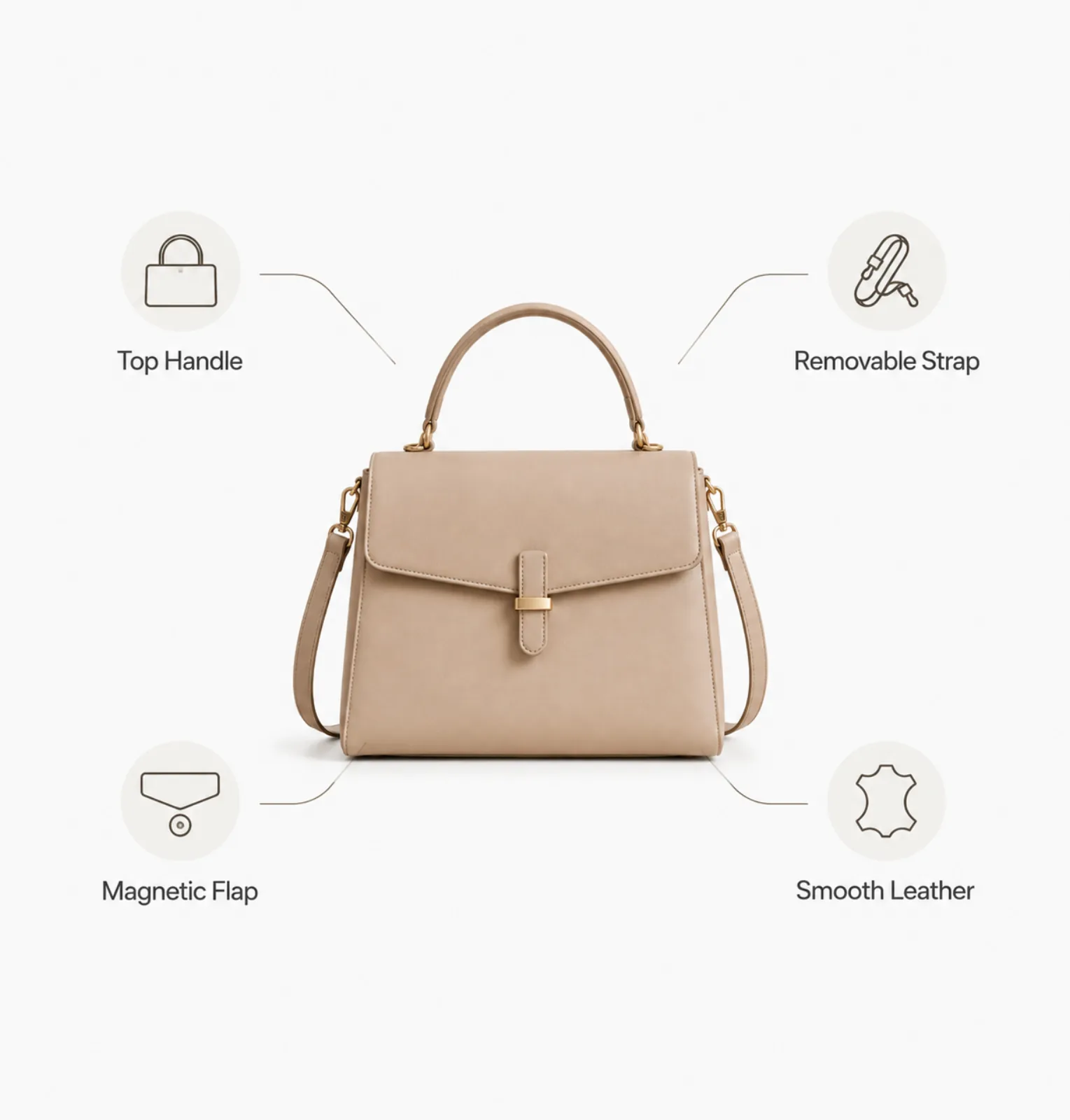
Feature Callout
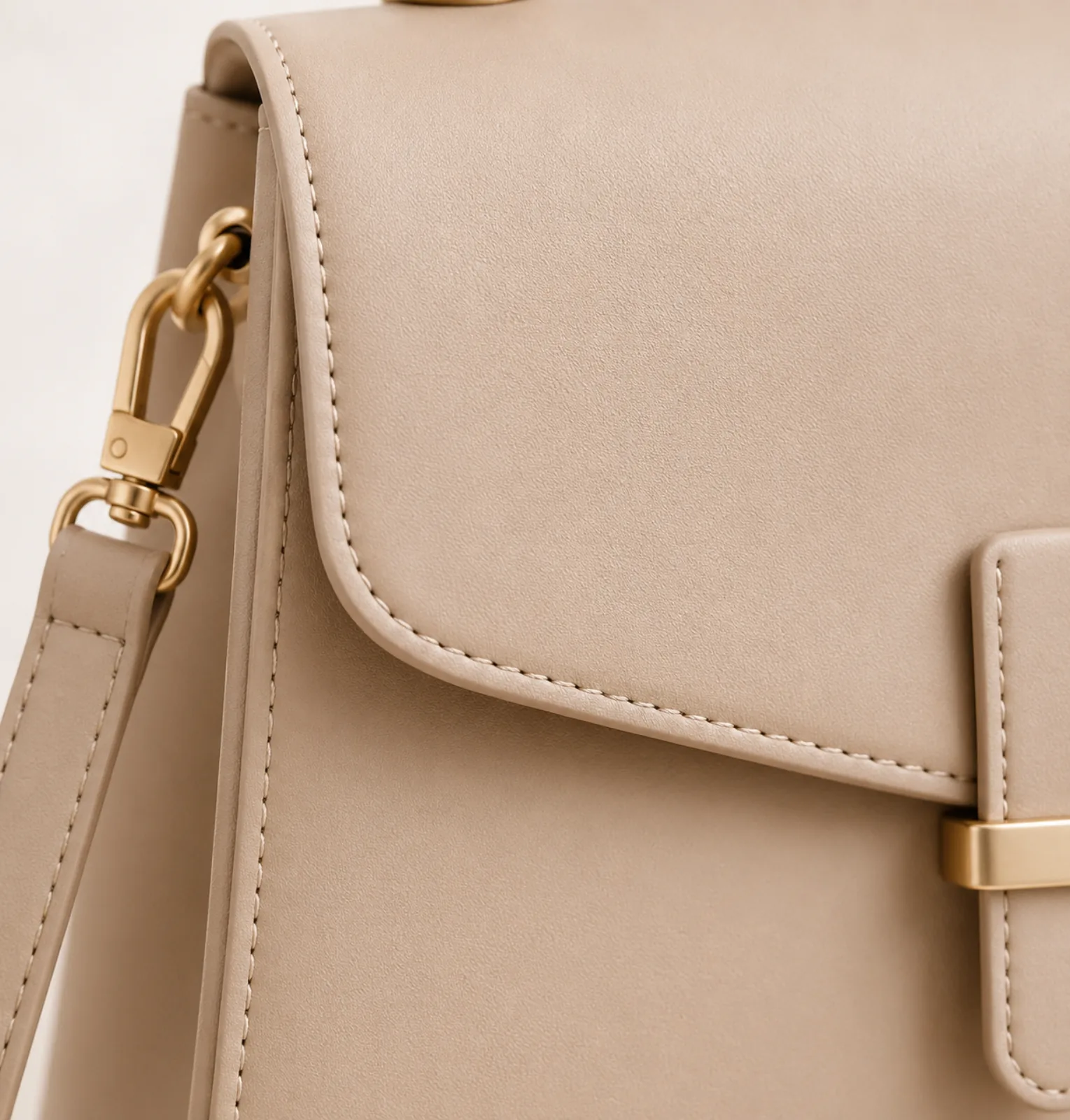
Detail Shot
Social Creative
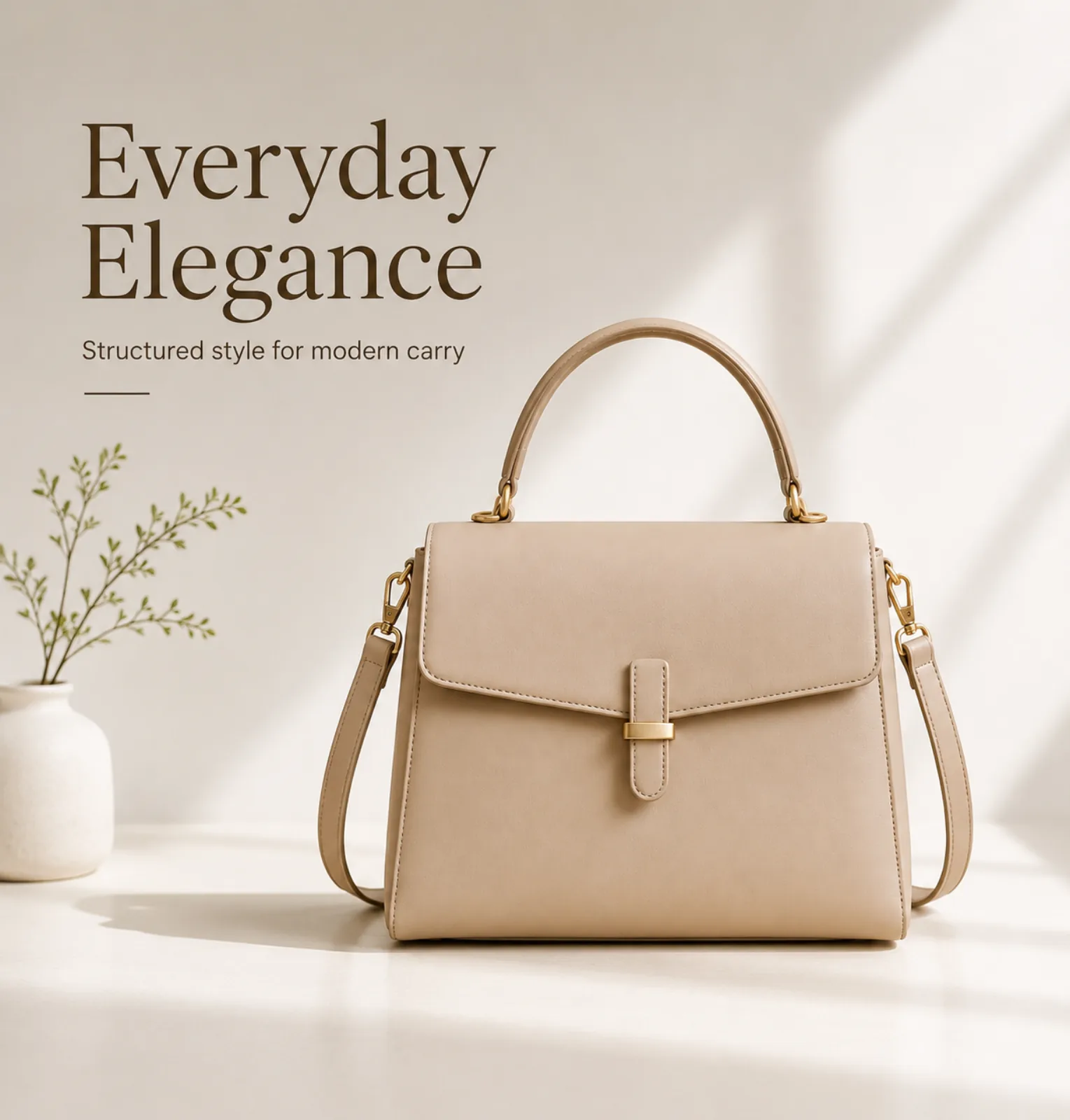
Generated images to review and refine.
Create product visual drafts with natural lighting, realistic shadows, and clear details, then review each result before publishing.
Source Photo
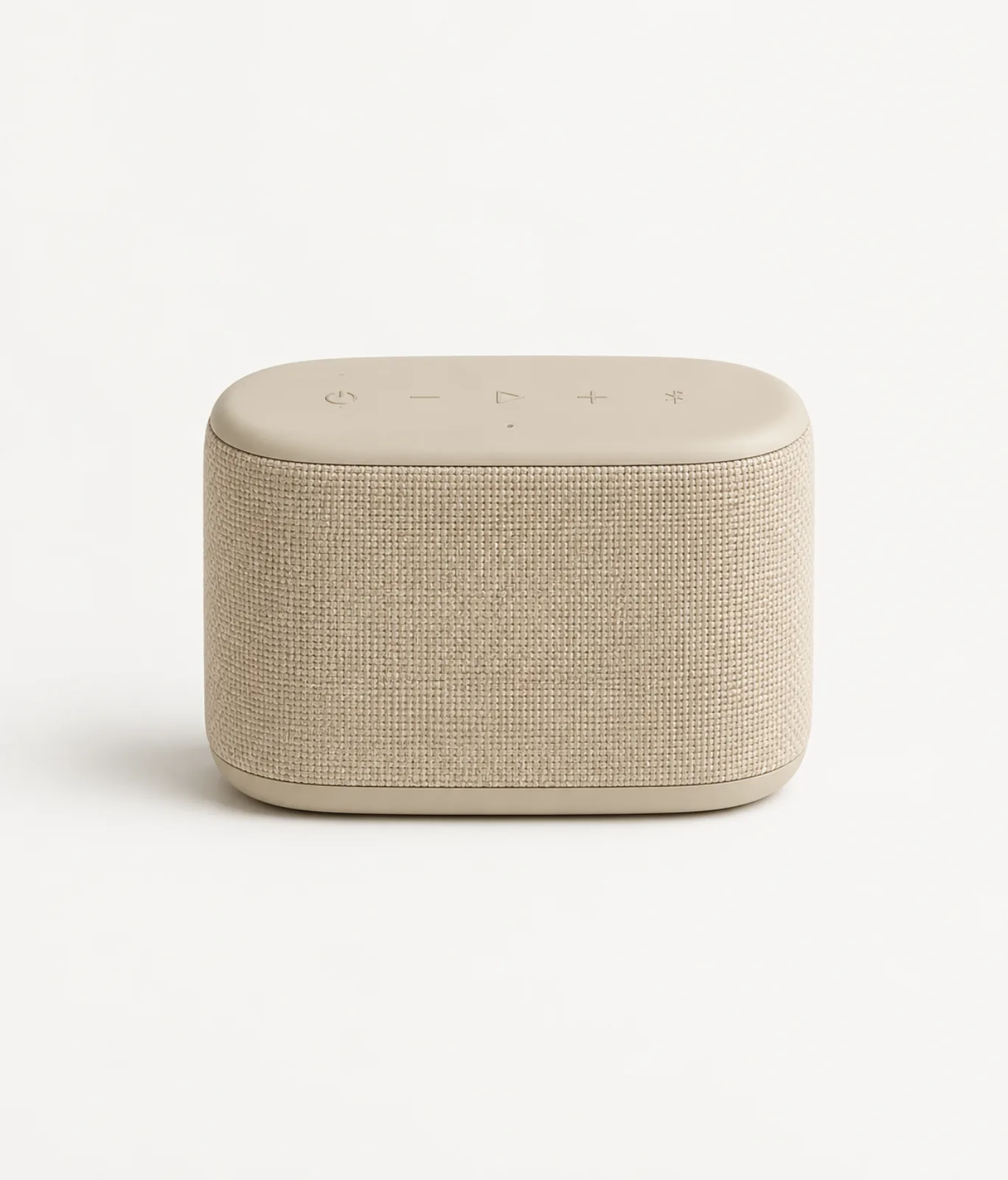
Uploaded product photo
Clean Main Image
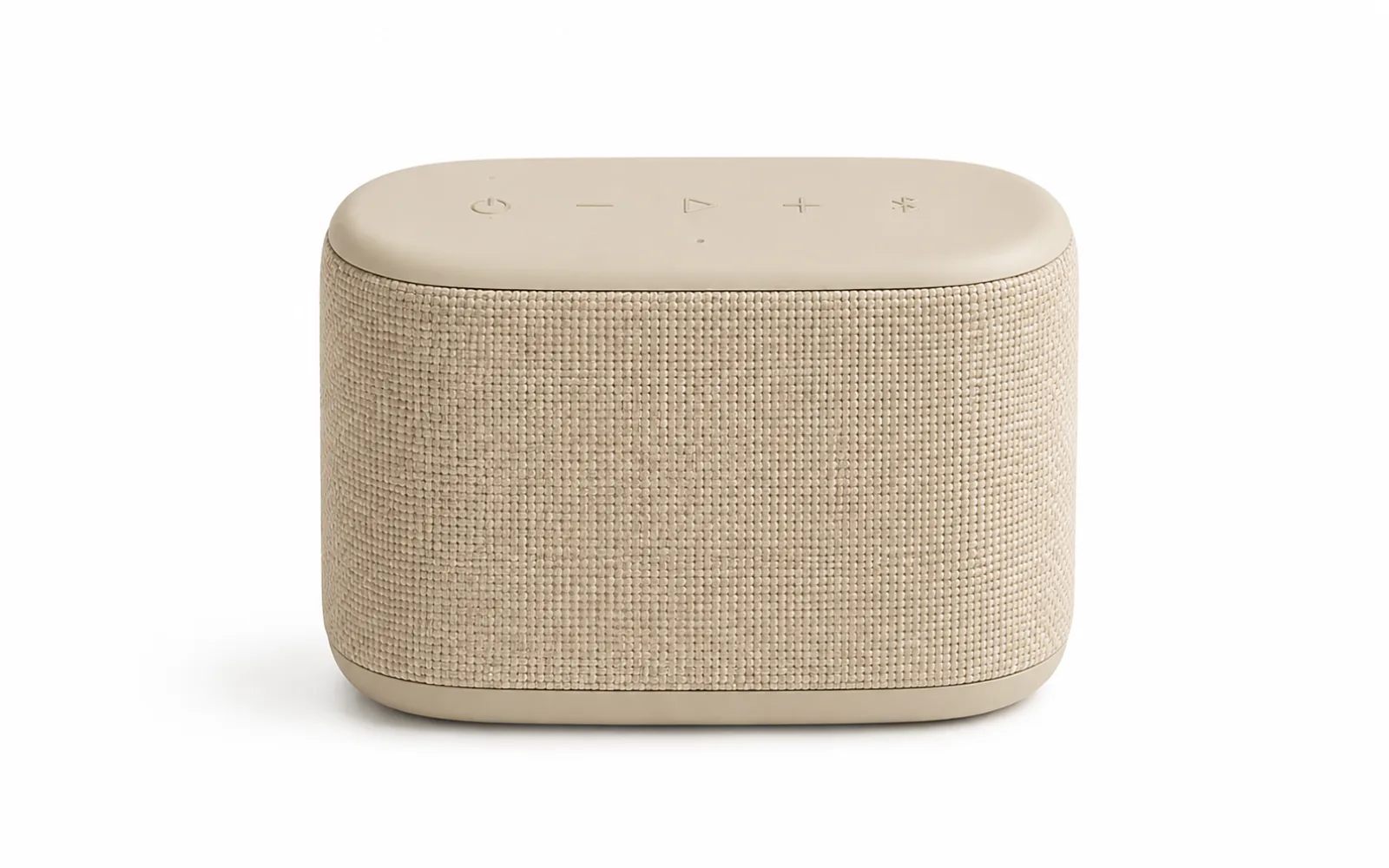
Premium Studio Shot
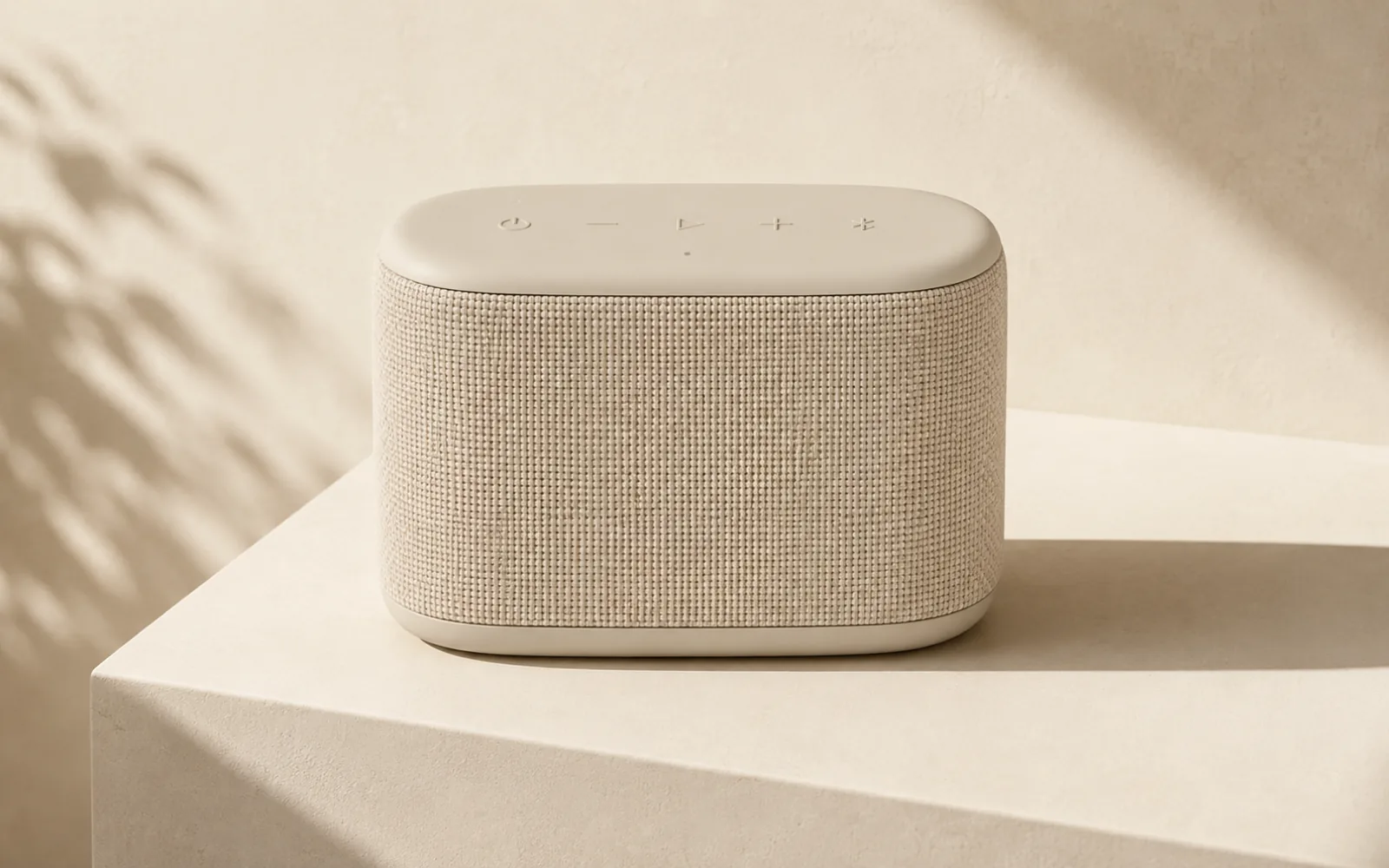
Realistic Lifestyle Scene
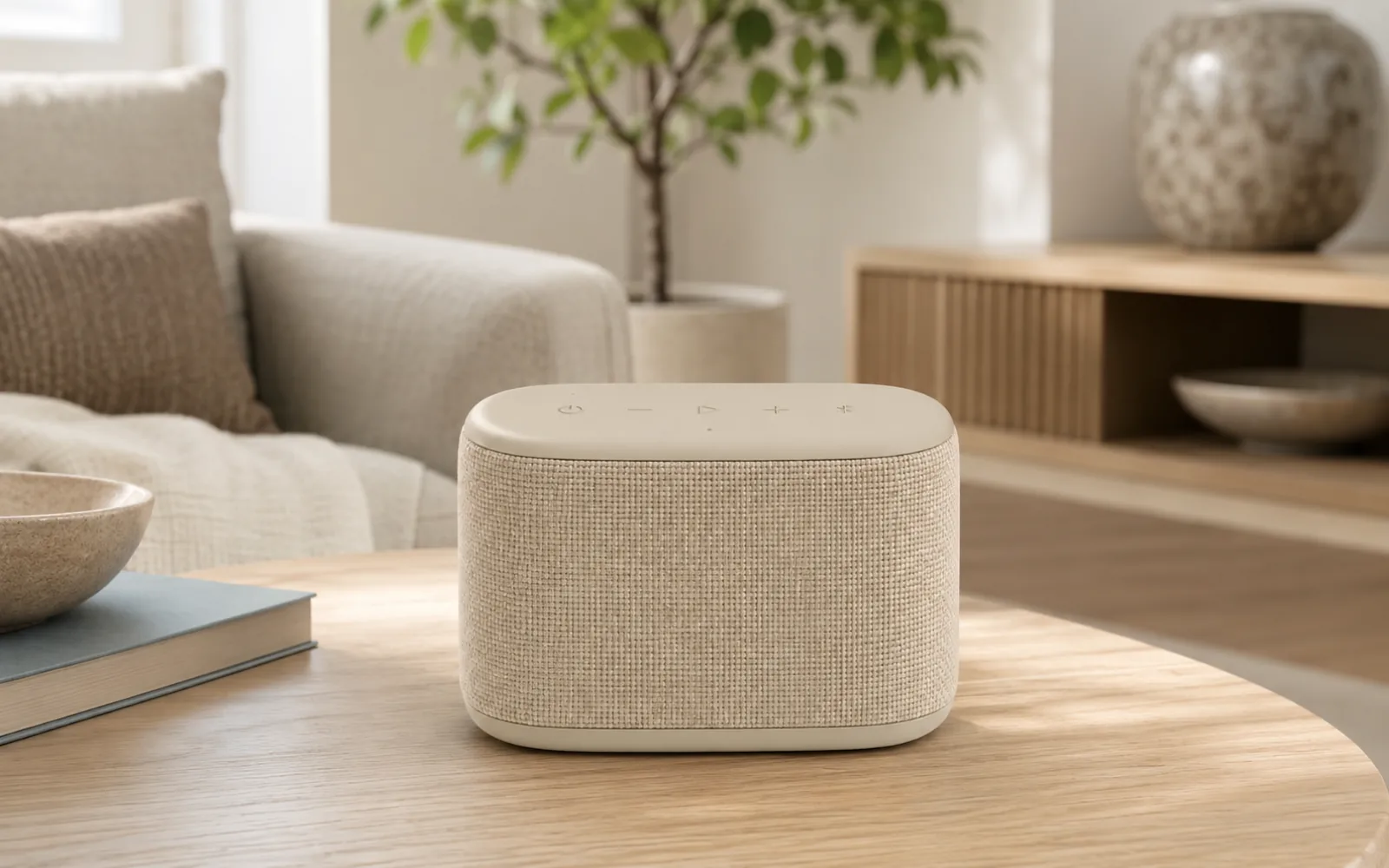
Detail & Texture Shot
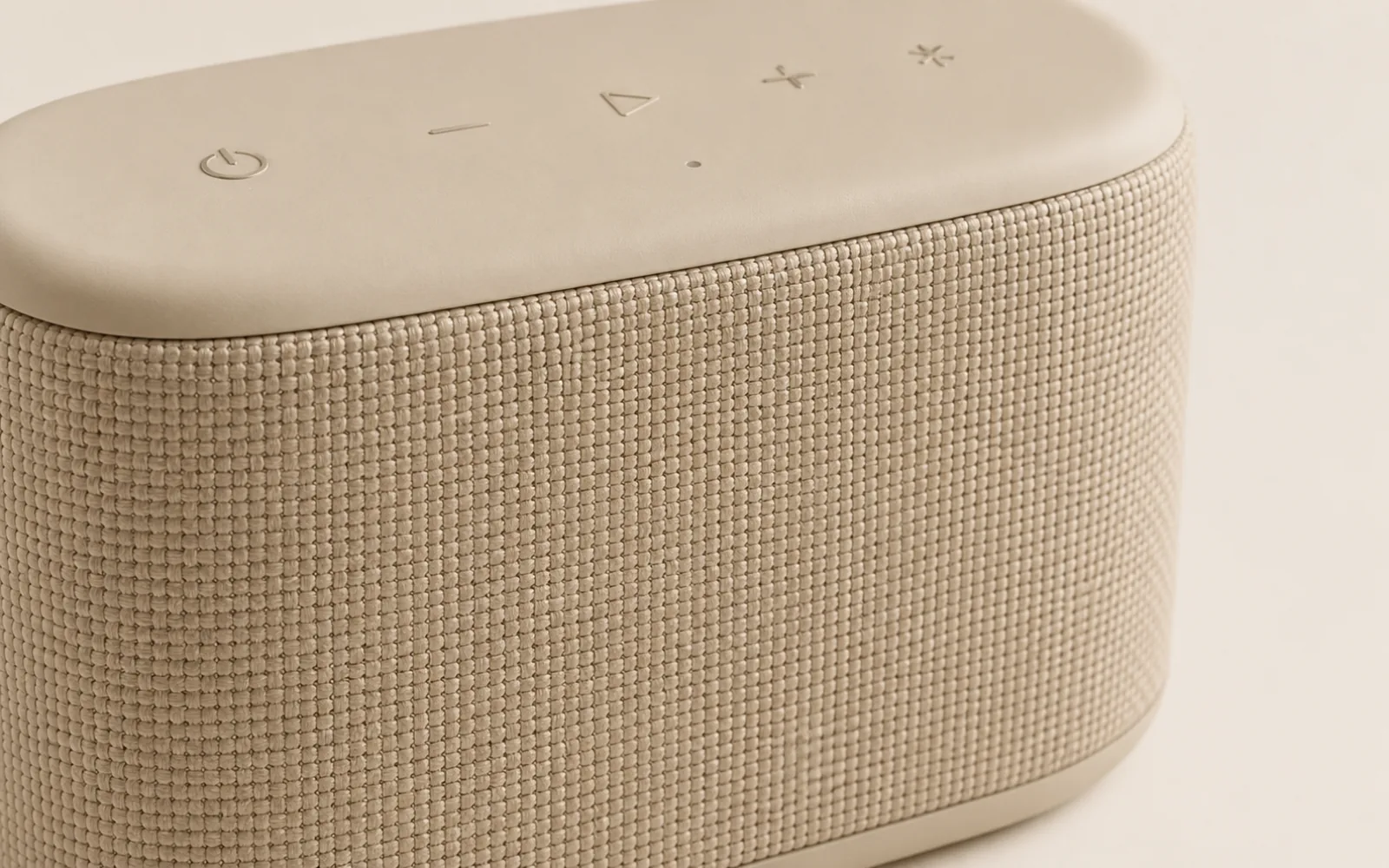
Natural lighting
Explore soft, studio-style lighting for different product presentations.
Product detail clarity
Keep shape, label, texture, and material visually clear.
Consistent visual direction
Create outputs you can review for listings, ads, and product pages.
Choose an aspect ratio for each creative.
Lifestyle scene and ad tools support 1:1, 4:5, 9:16, and 16:9 outputs; product video supports 9:16 and 16:9. Check current marketplace requirements before publishing.
Product Photo
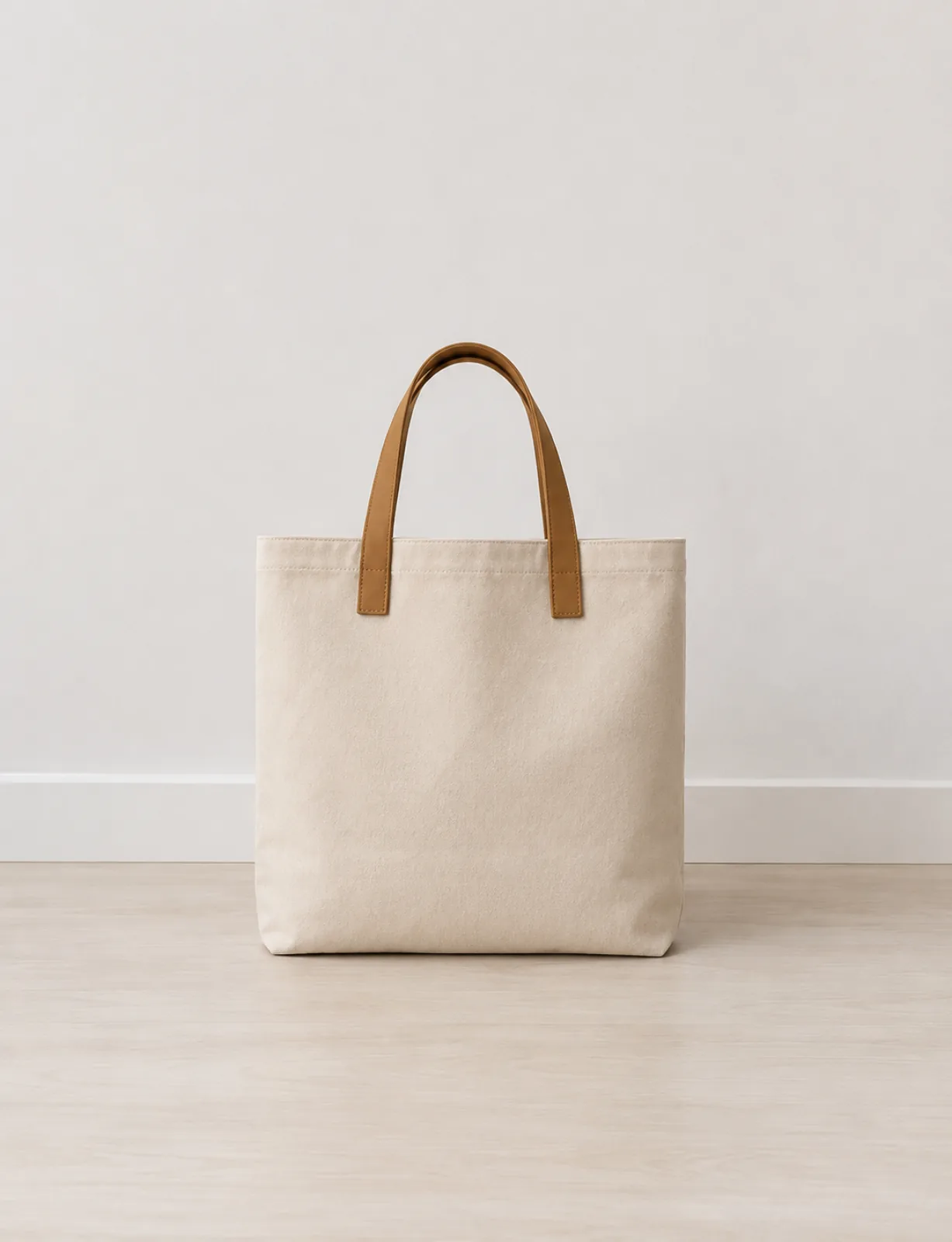 Amazon
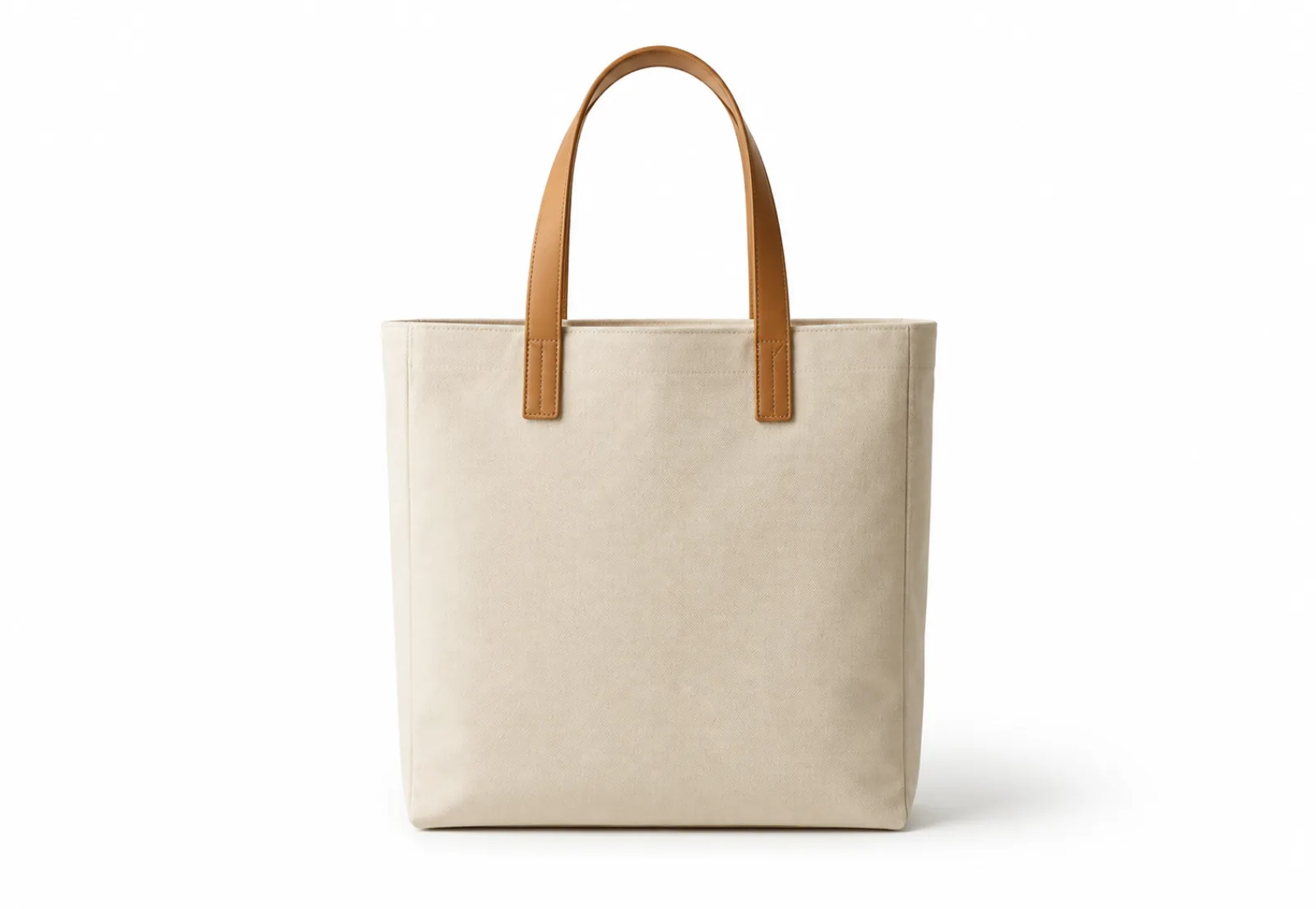 Shopify
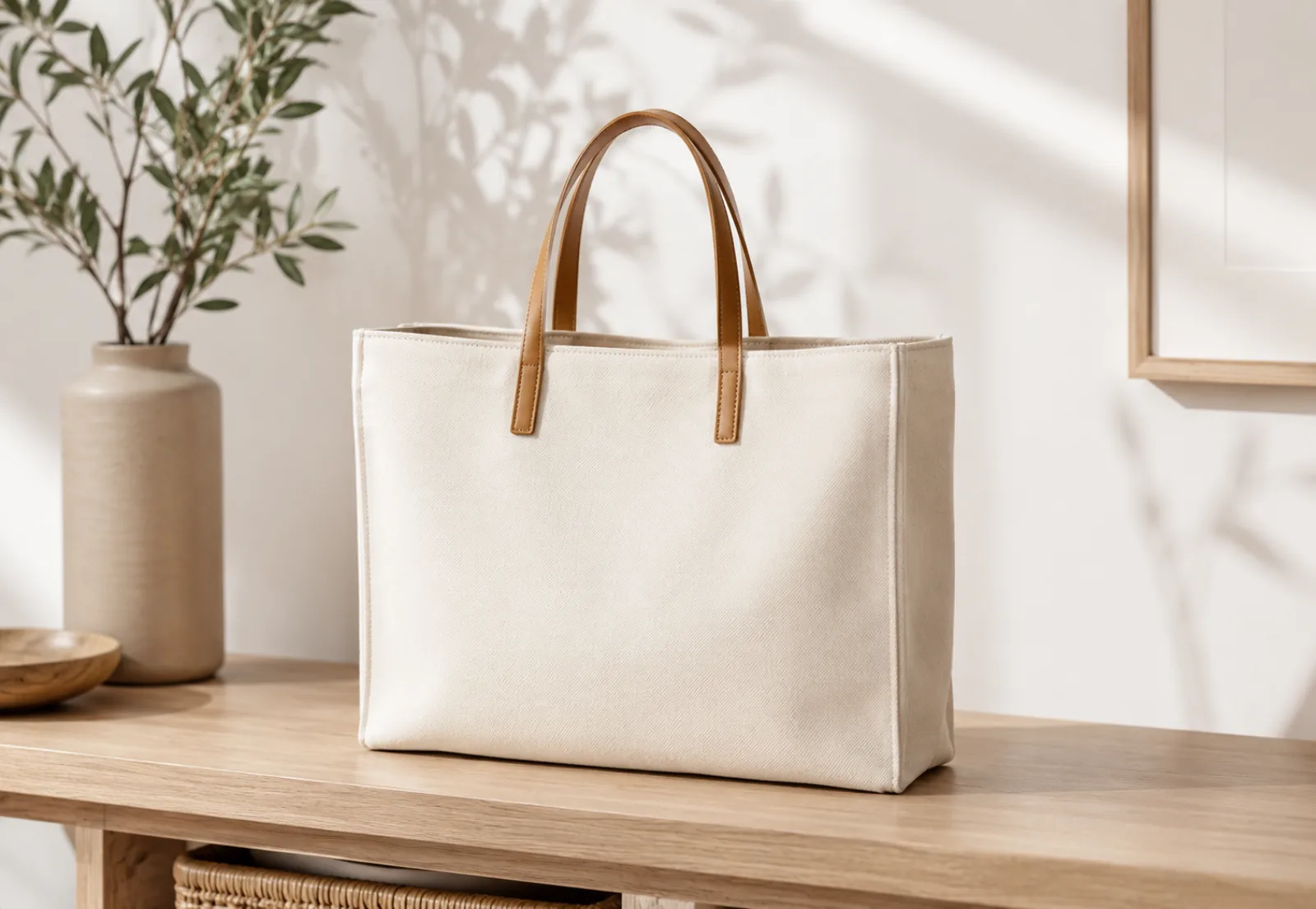 Etsy
Etsy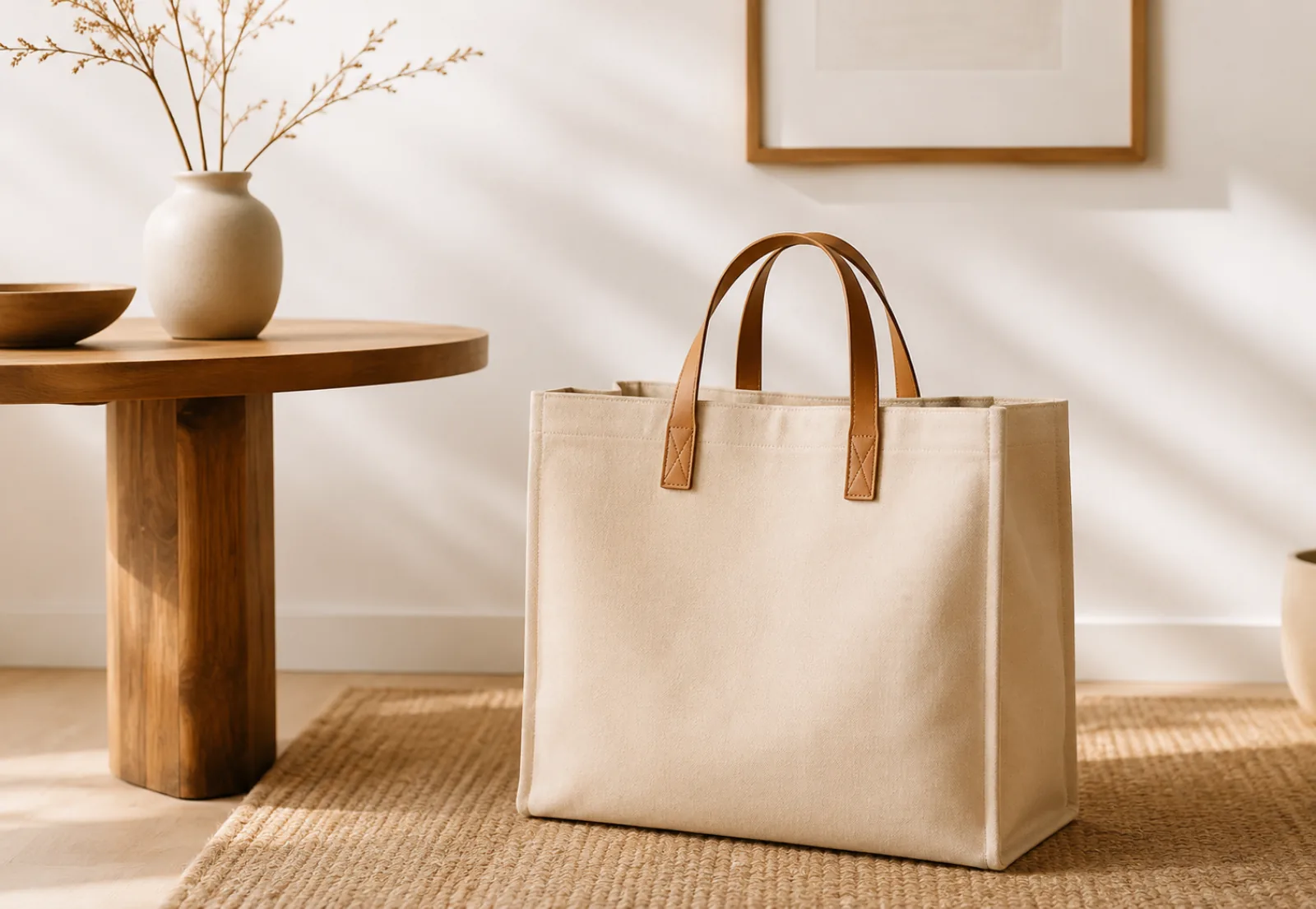 TikTok Shop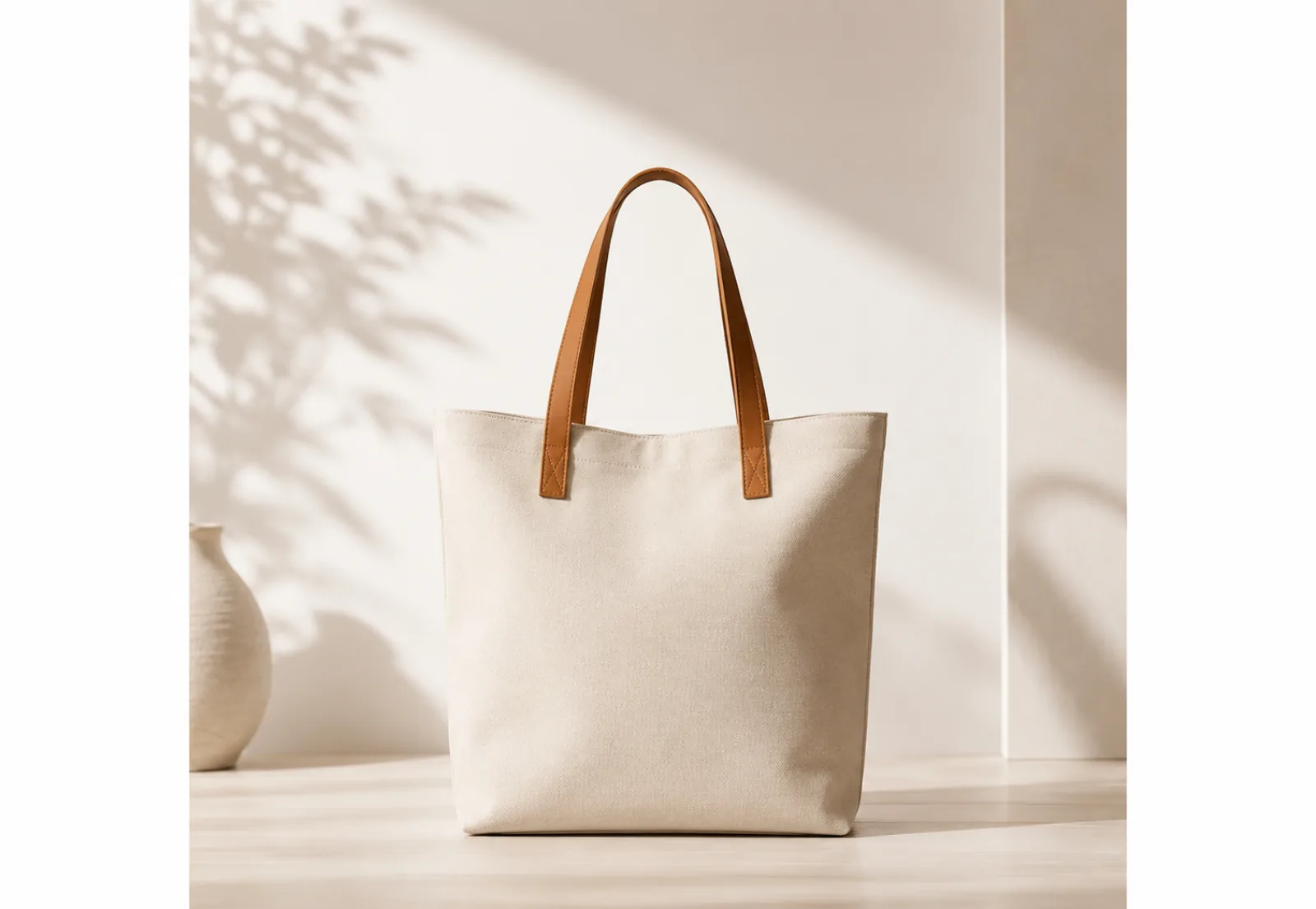
Five focused product-visual workflows.
Edit product photos in the browser or use a configured AI workspace for a lifestyle scene, ad concept, or five-second video.
Batch Photo Editing
Apply the same canvas and background settings to selected images.
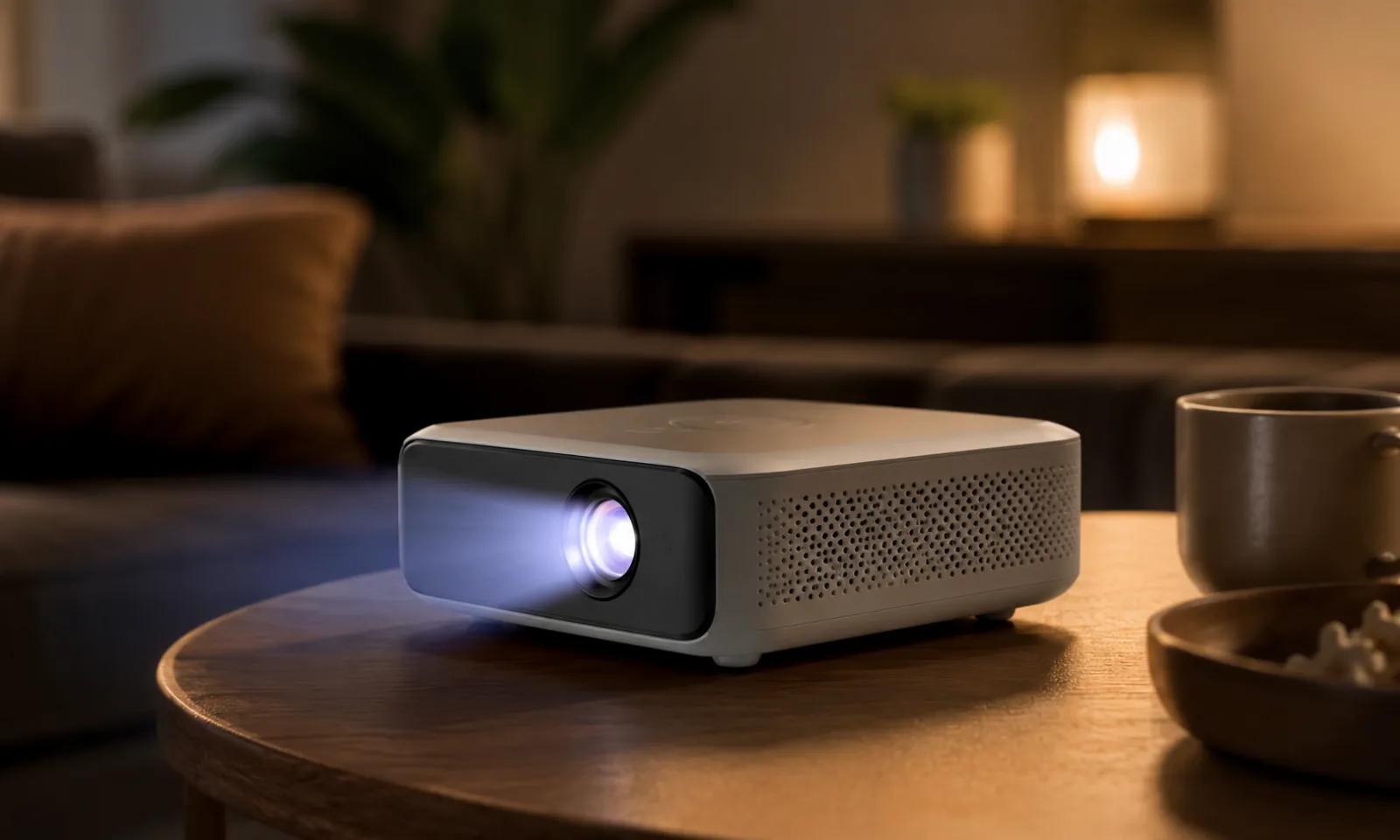
Lifestyle Scenes
Explore products in different lifestyle environments.
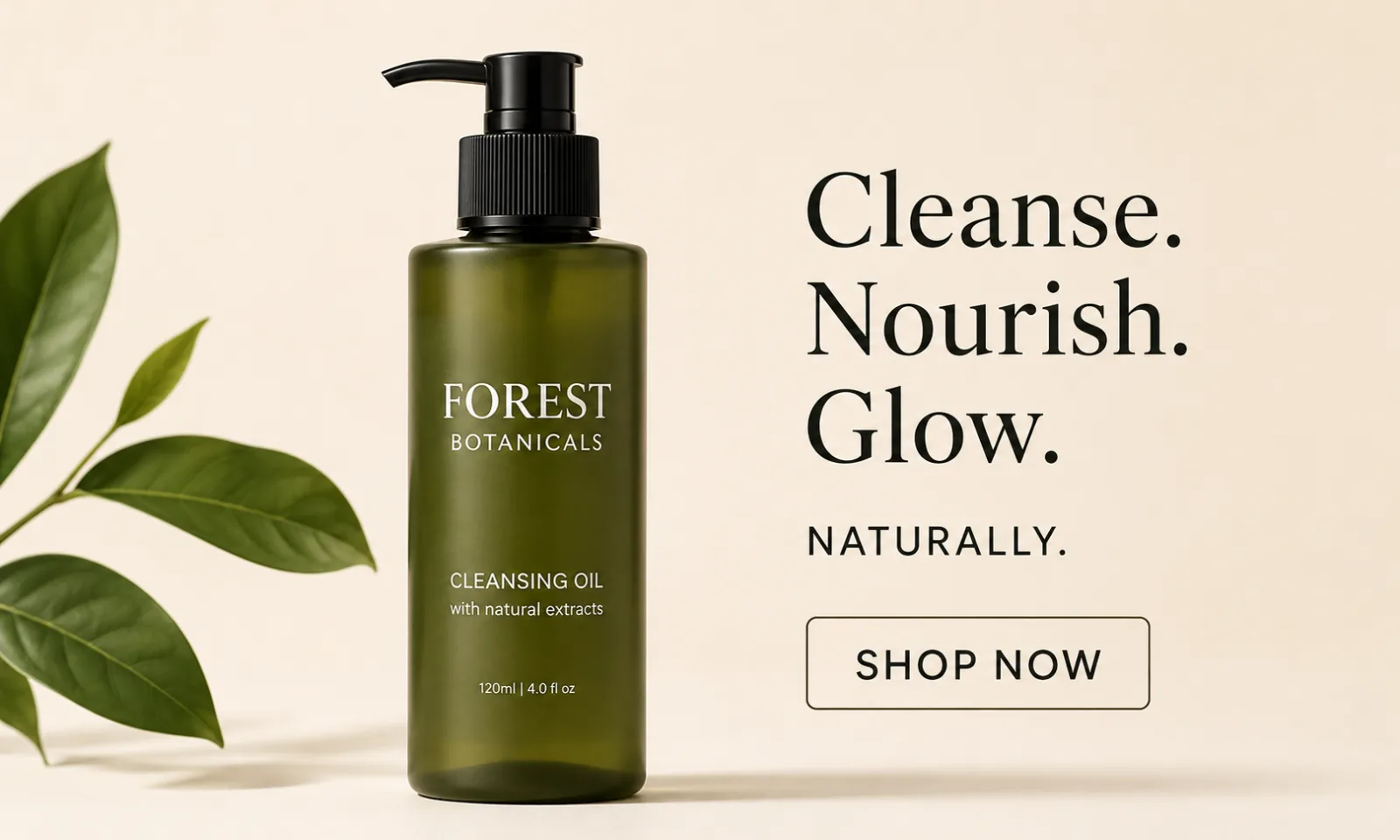
Ad Creatives
Create visual concepts for ads and social channels.
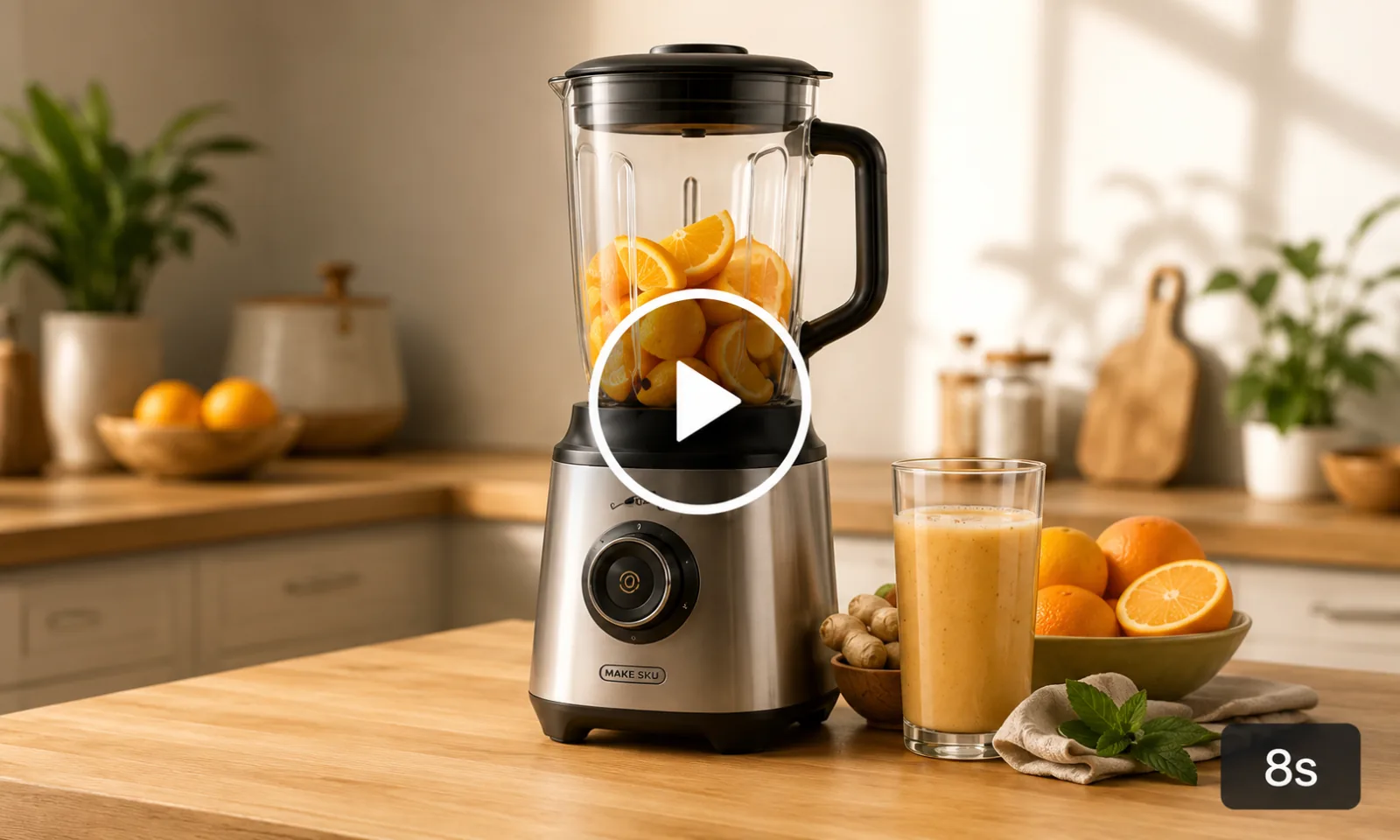
Product Videos
Generate a fixed five-second video from one reference image.
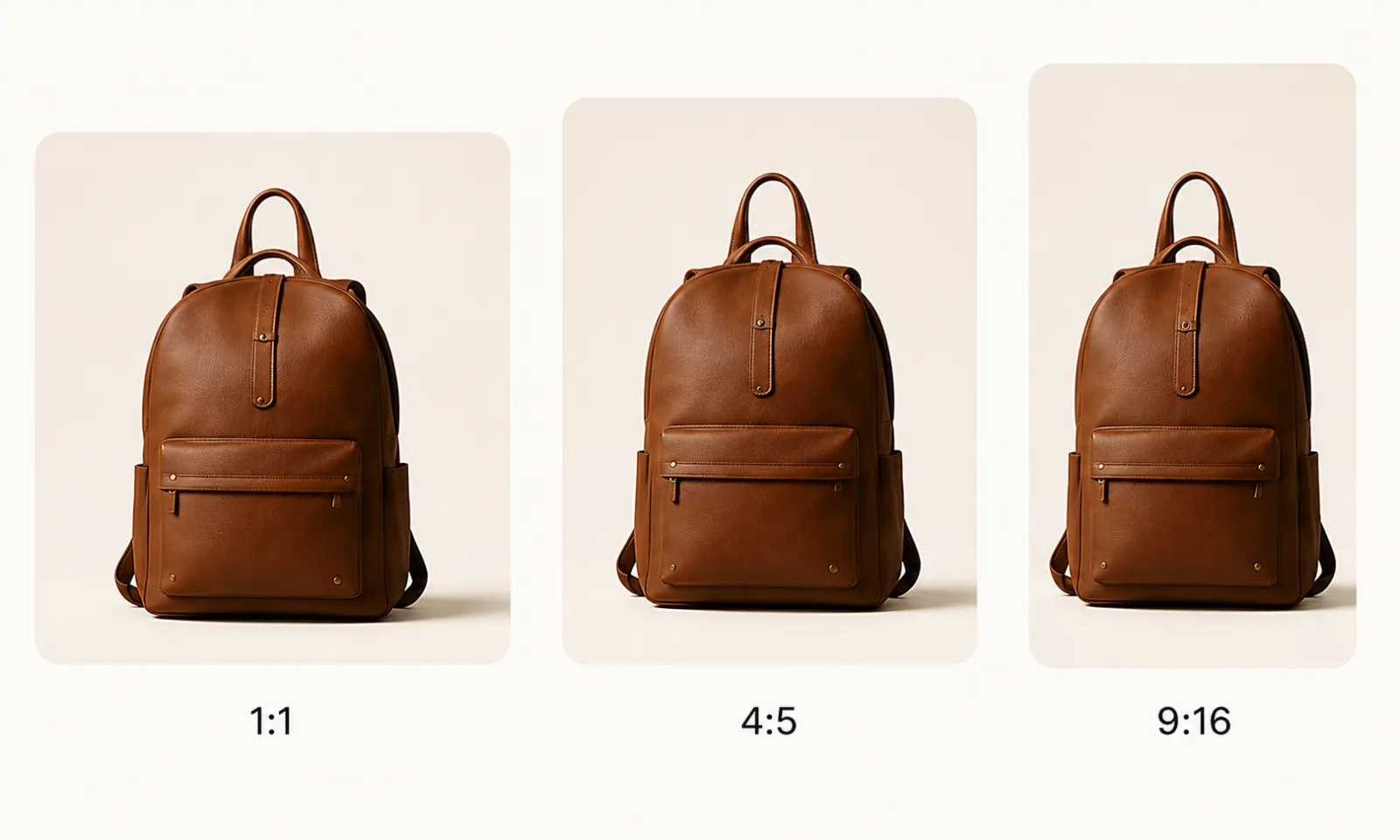
Resize & Position
Adjust canvas ratio, fit, crop, and product position in the editor.
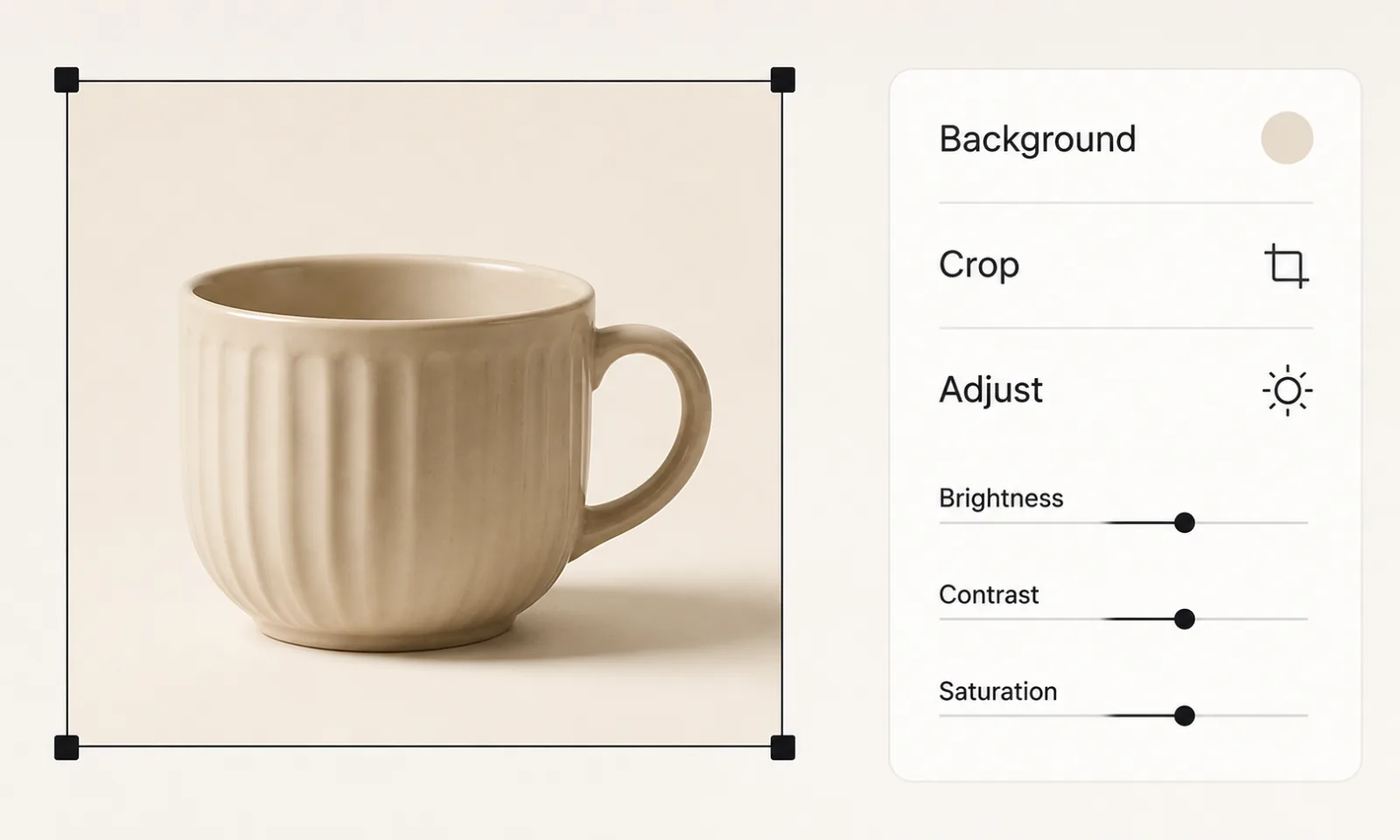
Image Editor
Quickly refine backgrounds, crop, adjust, and prepare final images.
Built for every seller type.
Whether you sell on Amazon, run a Shopify store, or manage a marketplace team, MakeSKU provides focused workflows for product visuals.
Amazon Seller
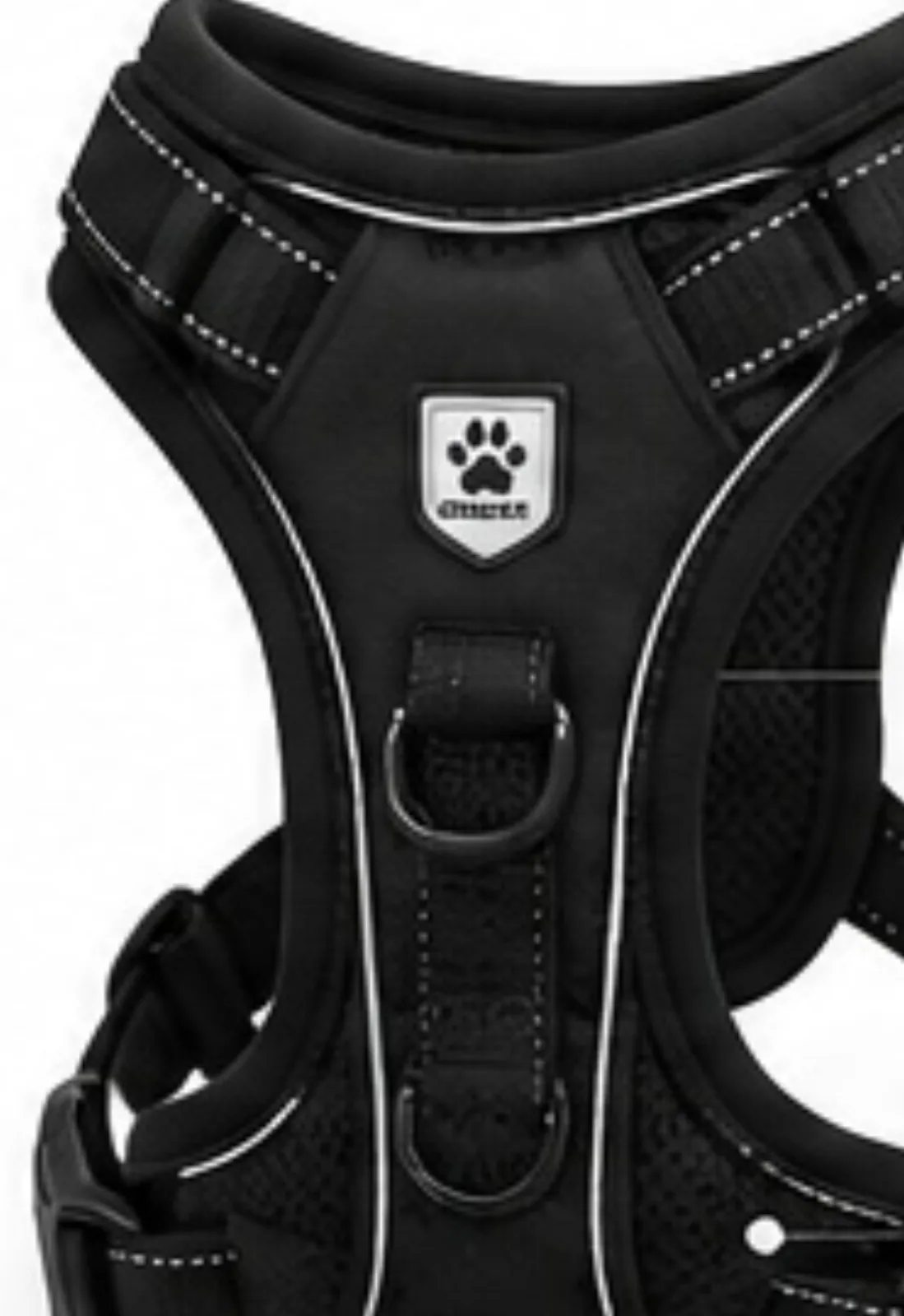
Shopify Seller
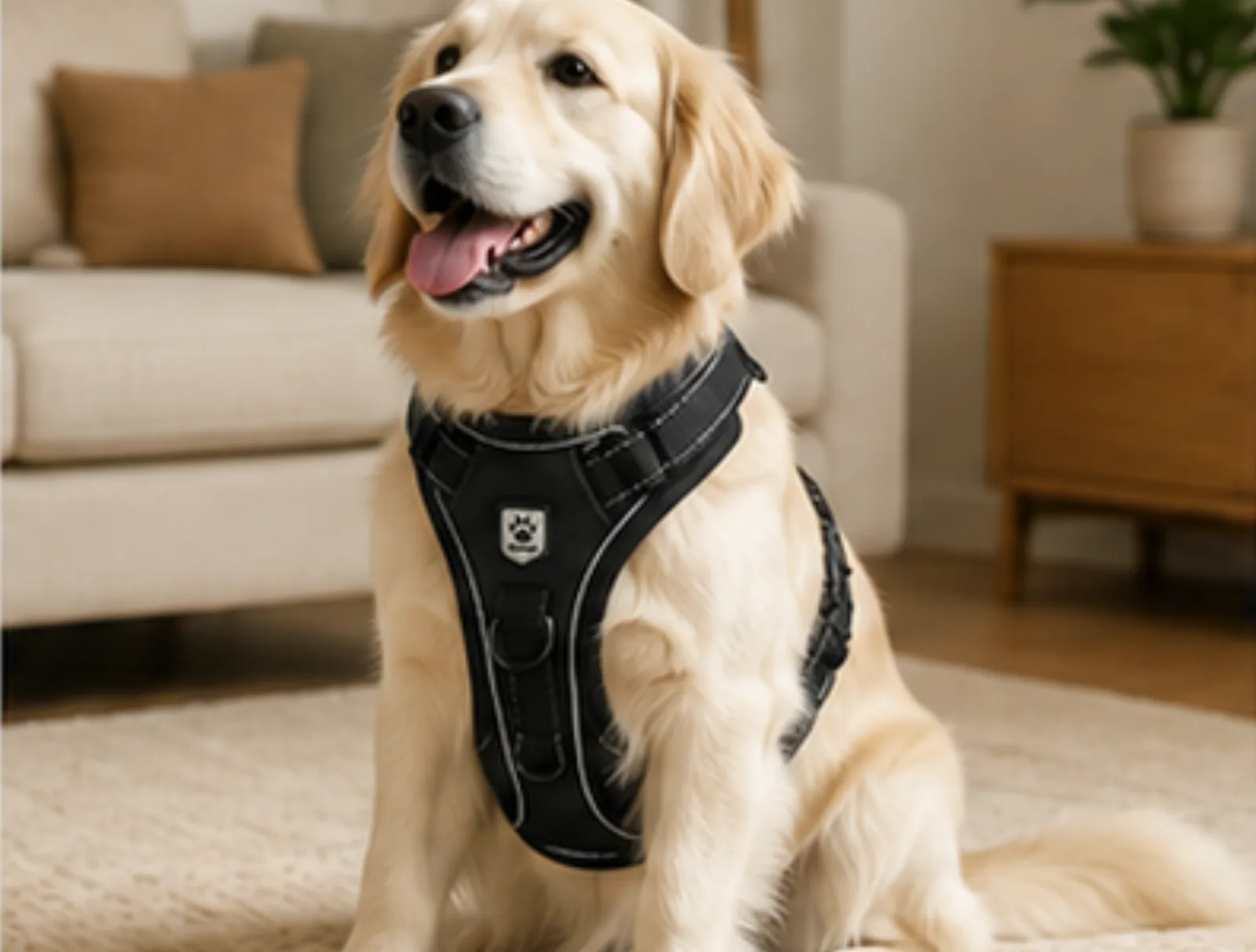
Marketplace Team
HRN-BLK-S
Black / Small
HRN-BLK-M
Black / Medium
HRN-BLK-L
Black / Large
Solo Sellers
Do more on your own, in less time.
Store Owners
Update product visuals as your catalog changes.
Marketplace Teams
Standardize quality and move faster together.
Global Channels
Create once, adapt anywhere you sell.
Review every result before you publish.
AI results can change product details. Compare each result with the source and check marketplace requirements before commercial use.
Human Review Checklist
Source
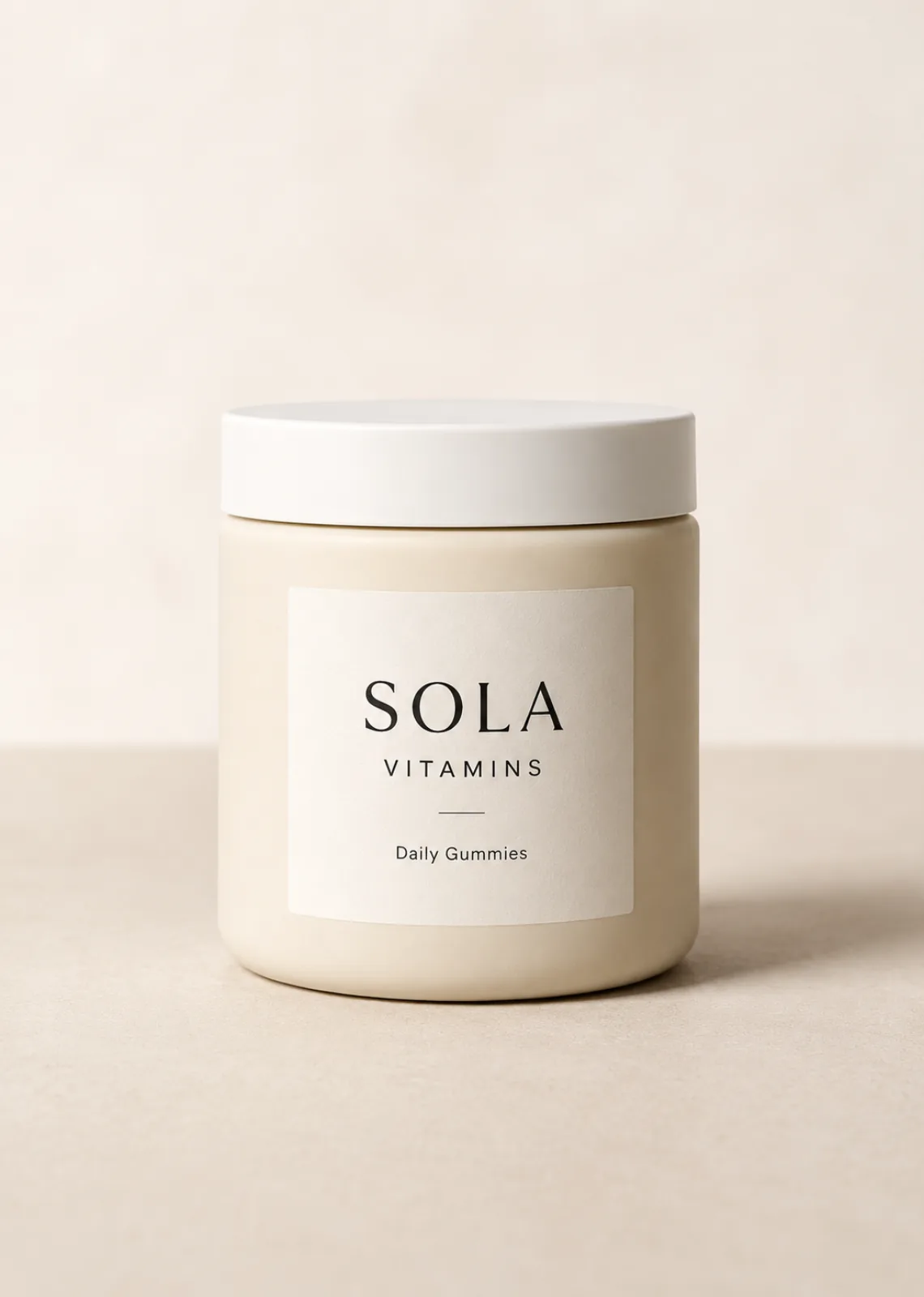
Generated
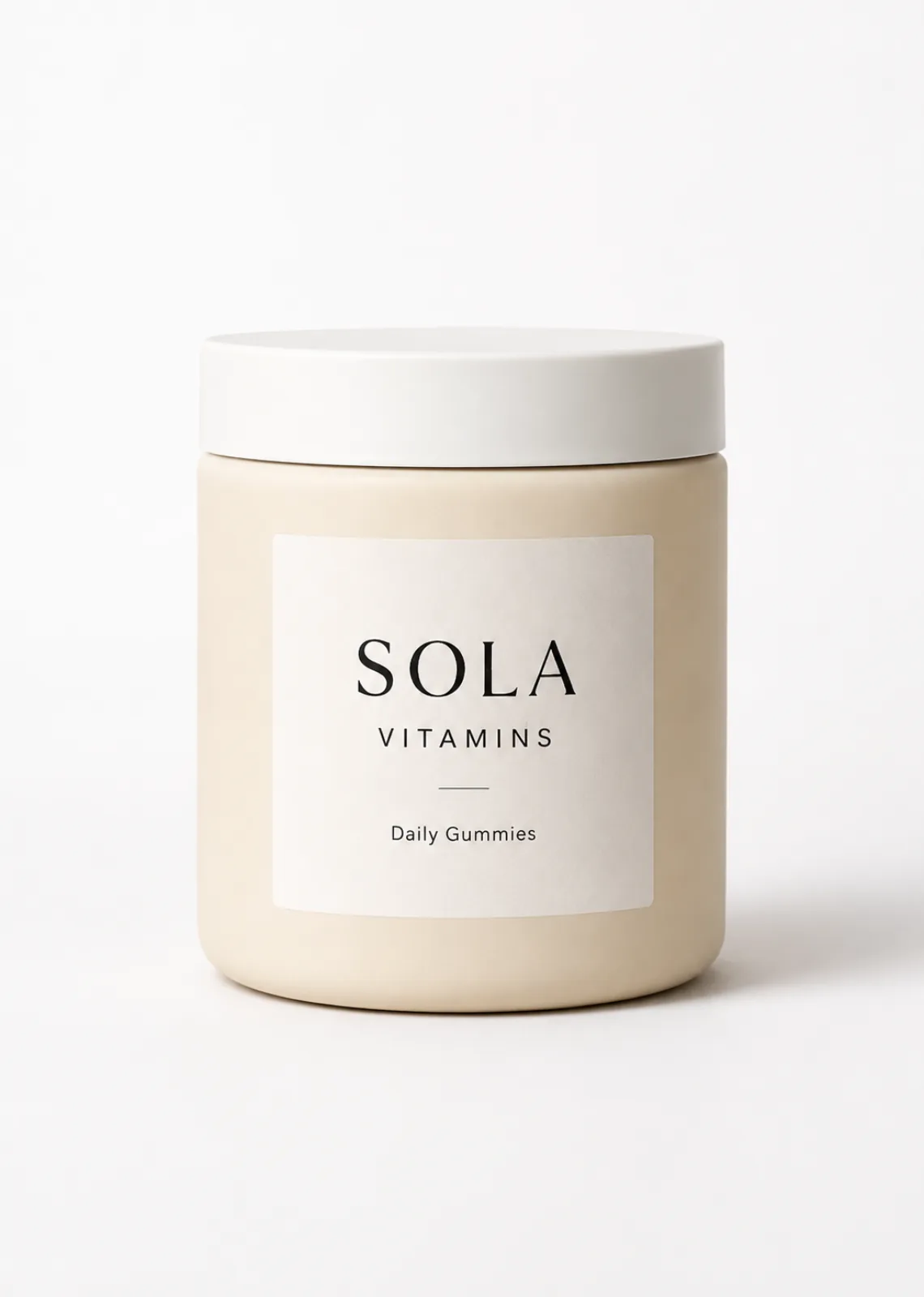
Source Comparison
Compare color, shape, label, material, and product count.
Manual Approval
Approve only the results you have reviewed for your use case.
Known AI Limits
Watch for changed text, details, materials, or perspective.
See the MakeSKU workflow from image selection to download.
The homepage demonstrates multi-image selection, applying processing settings to selected photos, reviewing results, and downloading individual files.
BATCH PHOTO WORKFLOW
PRODUCT PHOTOS
Batch photo editor
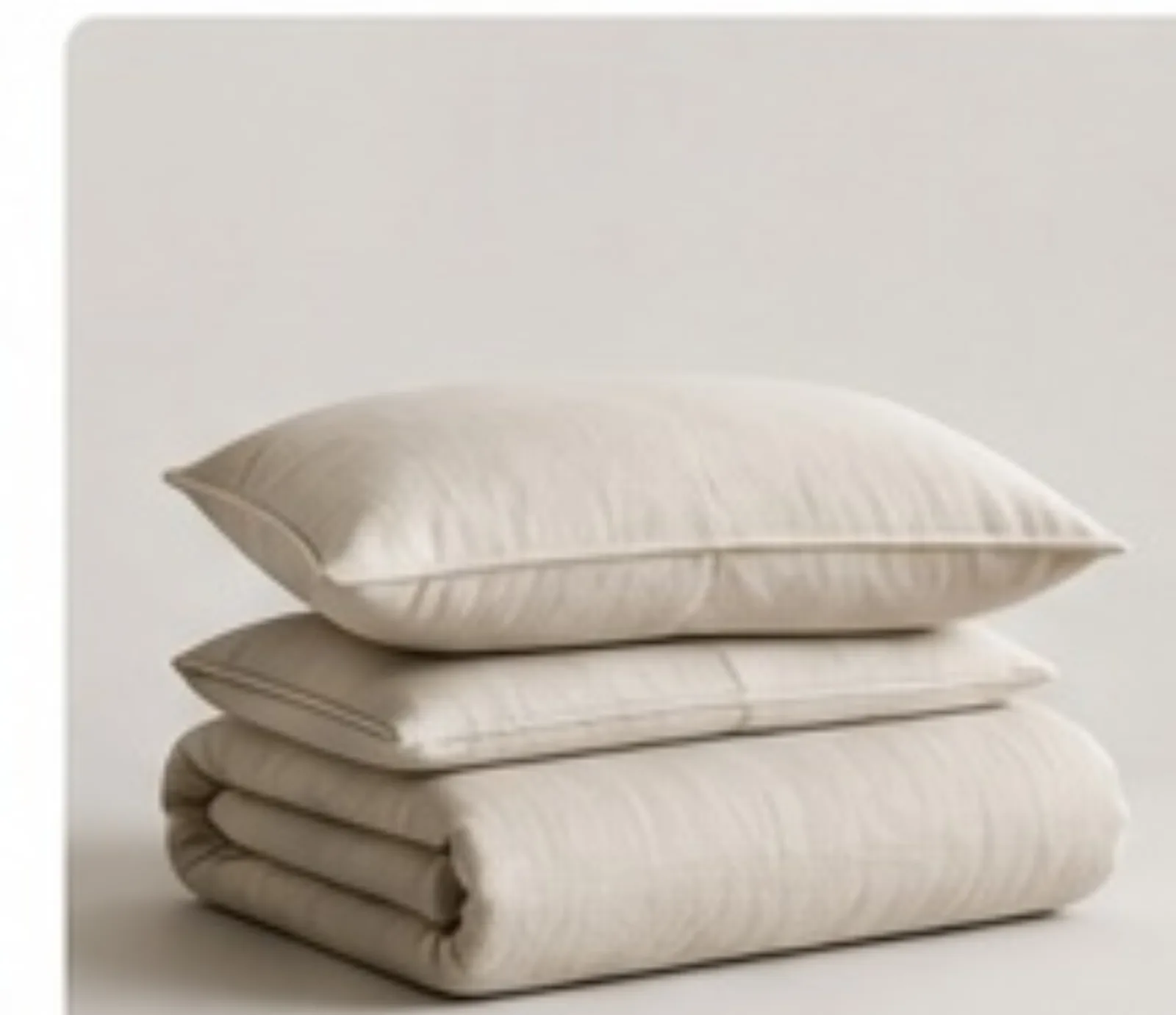
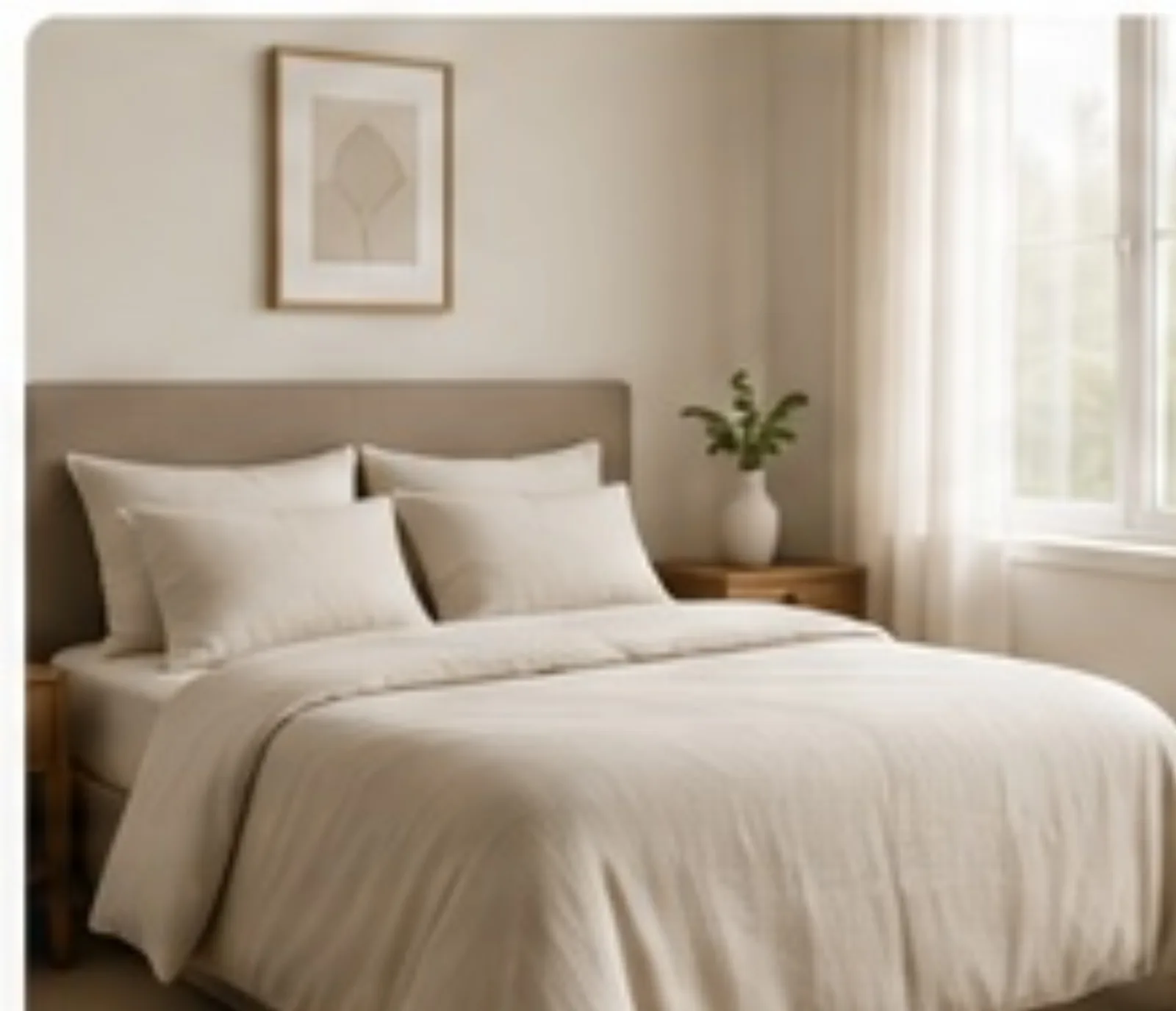
Multiple image selection
A visible checkpoint in the demo workflow.
Settings applied to selected images
A visible checkpoint in the demo workflow.
Individual file downloads
A visible checkpoint in the demo workflow.
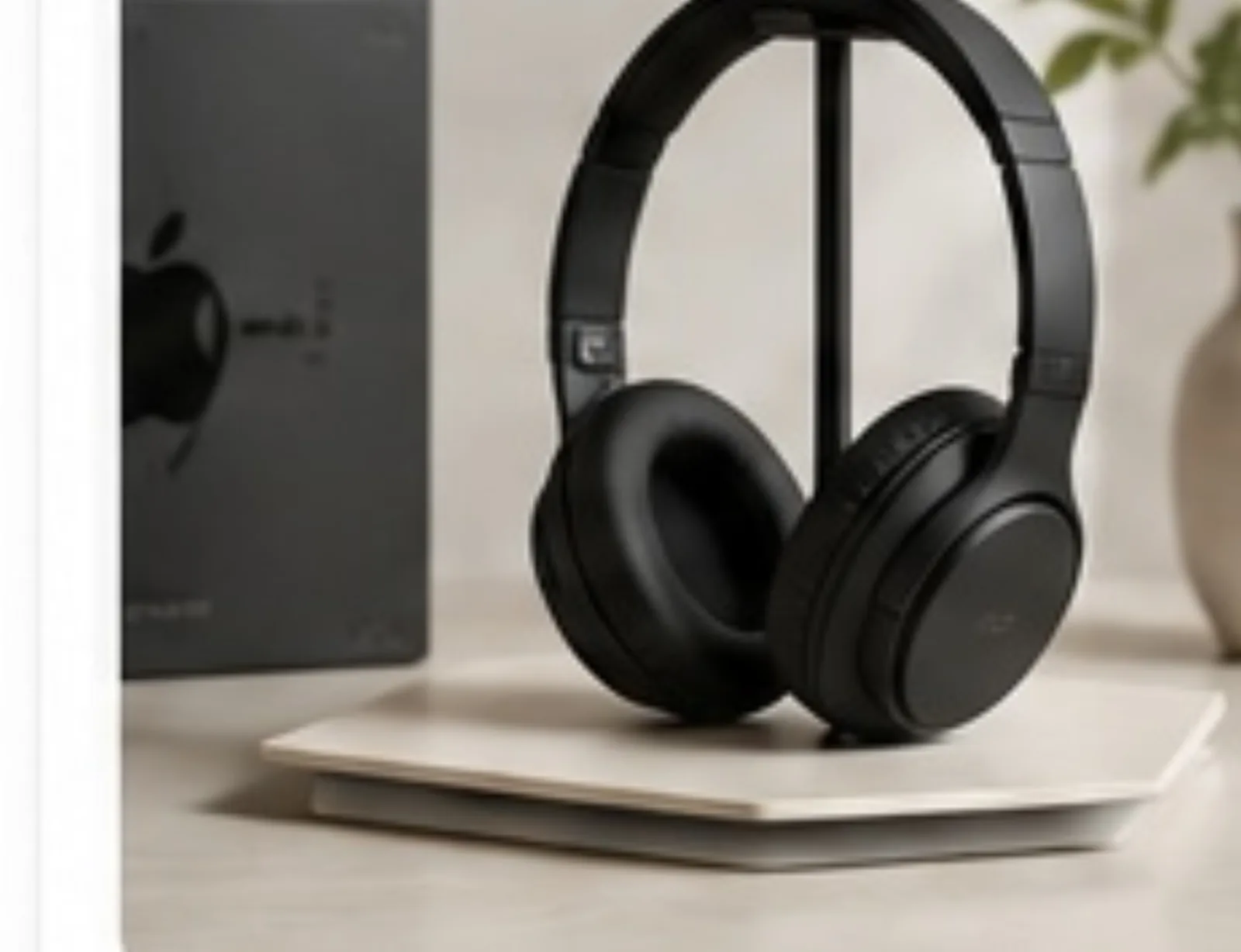
SELECT
Choose several product photos.
Select JPEG, PNG, or WebP files directly from your device.

PROCESS
Apply settings to selected images.
Choose canvas, position, and background settings, then process the selected photos.
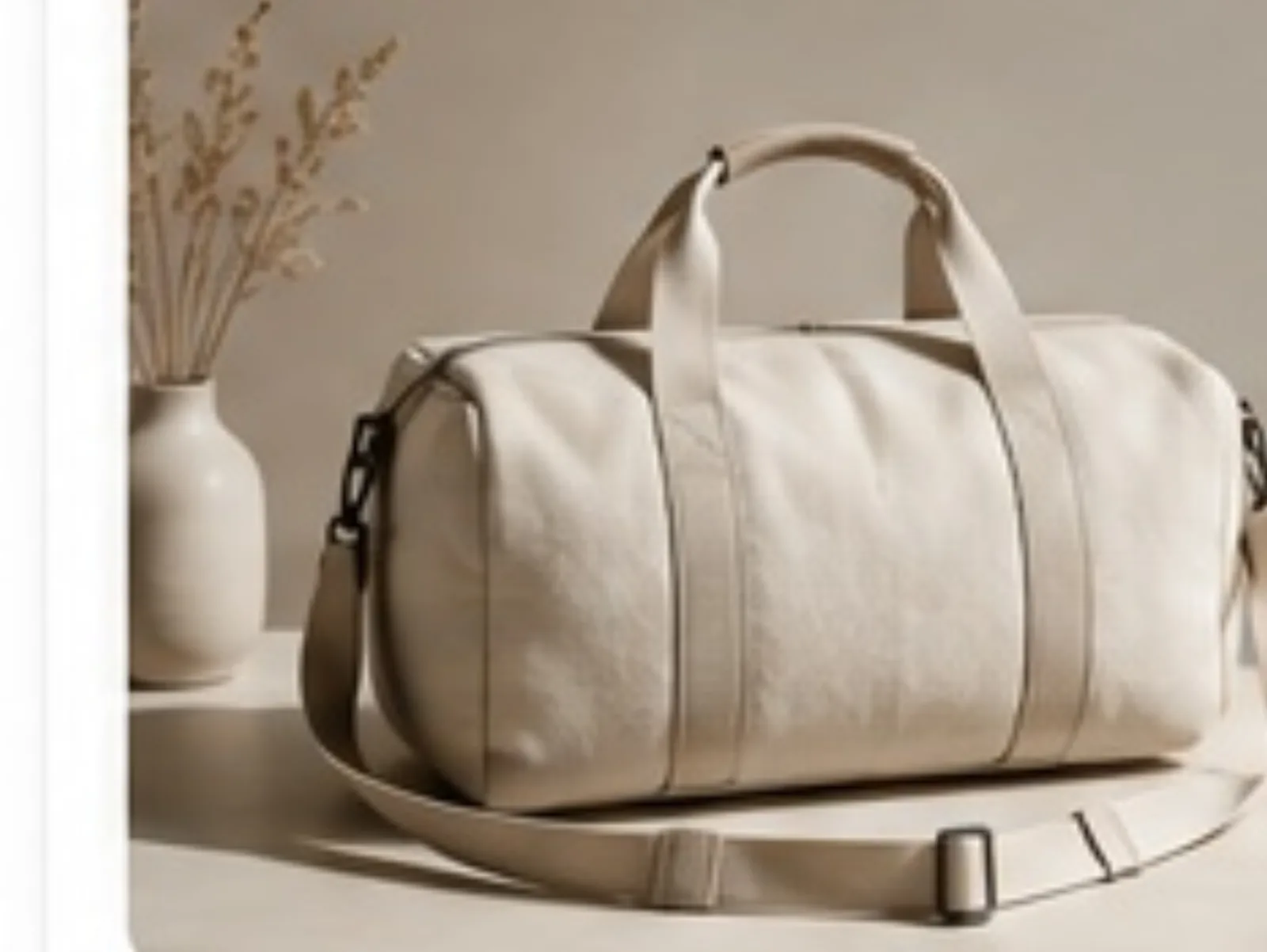
DOWNLOAD
Download ready files.
Available batch results download as individual image files.
FAQ
Answers about the current editors, configured AI workflows, downloads, and product review.
Can I edit multiple product photos at once?
Yes. The batch product photo editor accepts multiple JPEG, PNG, or WebP files. You can select images and apply the same processing settings to them.
Does MakeSKU import CSV files or product folders?
Not currently. The batch workflow accepts image files selected directly from your device, not folders or CSV catalogs.
Does MakeSKU guarantee marketplace image compliance?
No. The AI tools provide common aspect-ratio choices, but you should check each marketplace’s current requirements before publishing.
Will AI change my product?
AI results can differ from the source. Review each output’s shape, color, label, logo, count, and material before using it.
Do I need to write a prompt for every result?
Lifestyle scenes, ad creatives, and product videos use templates and structured controls. Some tools also provide text or creative-direction fields.
Can I prepare a white-background product image?
Yes. The batch editor removes the background in the browser and uses a white canvas by default. Transparent and solid backgrounds are also available.
How are finished files downloaded?
The batch editor downloads all available images as individual files. AI image and video results are downloaded one result at a time; grouped SKU or platform packages are not currently available.
Who is MakeSKU built for?
MakeSKU is for sellers and teams that need product photo editing plus dedicated lifestyle, ad, and video workflows.